Back to checkout
Checkout
Enter your email, confirm the licence and download your free EA source package. No payment needed.
Your cart is waiting for its first passenger.
No valid products were selected. Return to the store and choose your products again.
Continue shoppingChoose your transfer
Amount to receive—
Send the full token amount shown. Network and withdrawal fees are paid separately by the sender.
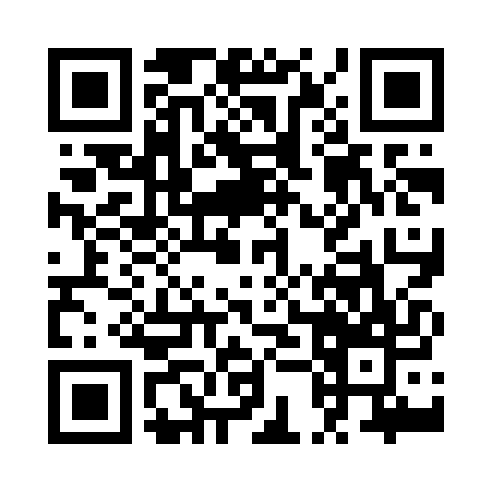
Receiving address
0xc676123138649465c20a8f7f18bcfd58bc11e4e2Download QR codeThis QR contains the address only. Select the token and network shown here in your wallet and enter the amount separately.
Ethereum (ERC20)
Use only the selected token and network. Do not send native ETH, BNB or TRX. A matching address does not make different networks interchangeable.
XKO is the X Layer address format. If your wallet does not support it, use a supported payment network or contact support before transferring.