
AI Golden Life 3.0 on XAUUSD: Why wait after a gold signal?
Gold H1 entries with ATR filtering, delayed execution and optional online AI and news filters.
Learn
Explore detailed historical EA reviews, practical guides and step-by-step tutorials. From trading settings to MQL5 compilation, find clear, useful help for your next step.
Explore the method, settings and limitations behind the results. Historical performance does not guarantee future returns.
Work through installation, parameter choices and common errors with practical steps.
Learn how to read, compile and improve source code, then test your changes.
Start here if you have an editable EA and want to work through it in order.
Historical simulations, settings and drawdowns.
Gold H1 entries with ATR filtering, delayed execution and optional online AI and news filters.
Explore five independently selectable gold pullback strategies, fixed or automatic sizing, session filters and configurable position management.
Build on a gold price-zone strategy with model filters, recovery orders, basket management and trailing exits.
Explore gold breakout entries from H2 pivots, with selectable signal presets, adjustable sizing and trailing protection in editable MT5 source.

Five gold profiles with pending entries, adjustable sizing and managed exits.
Multi-symbol entries, a local learning model, recovery management and an interactive AI assistant.
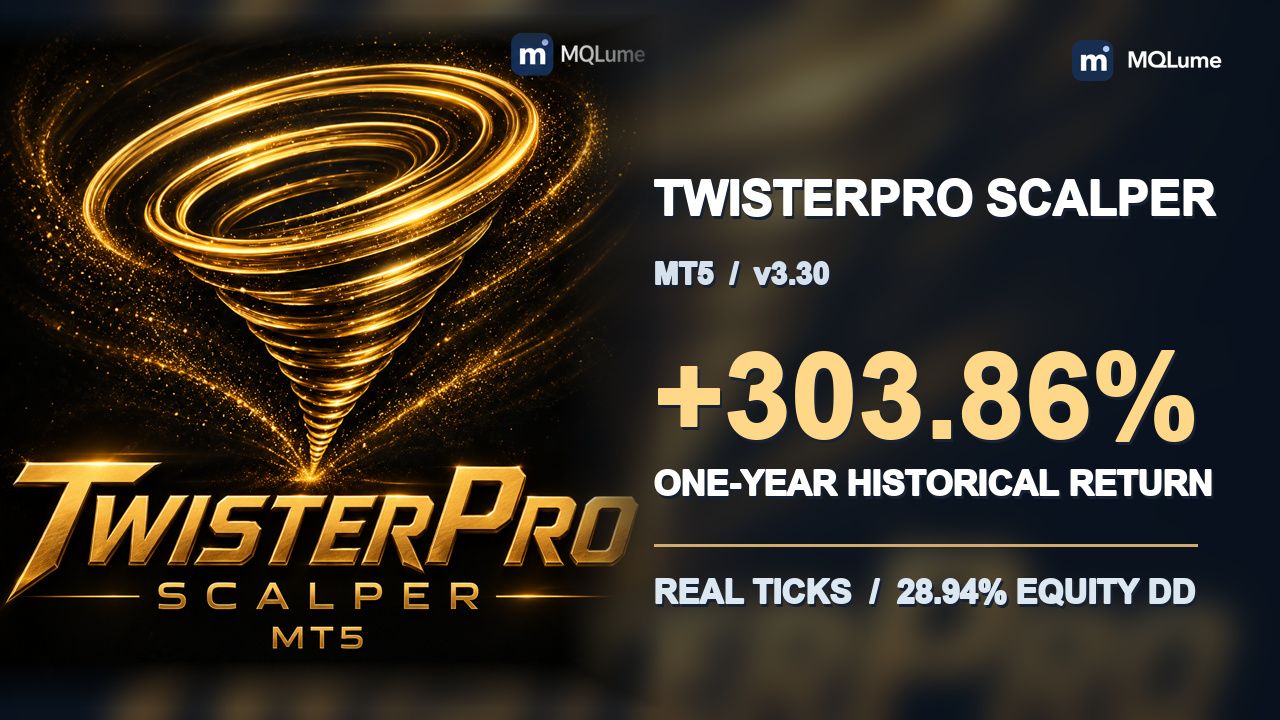
Customise a gold scalper with two trading modes, configurable stop profiles, trailing exits and position sizing.

Get Lizard free: the editable MQL5 source code and compiled MT5 EA are included. Download the package from the product page. Lizard [MQLume] 2.1 recorded a cumulative net return of +347,185.50% in this XAUUSD historical test, with 29.99% maximum relative equity drawdown. Starting capital was USD 5,000; the ending balance was USD 17,364,274.87.

Gold369 PR [MQLume] 5.31 recorded a cumulative net return of +253,008.77% in this XAUUSD historical test, with 29.80% maximum relative equity drawdown. Starting capital was USD 5,000; the ending balance was USD 12,655,438.58.

Cepheus [MQLume] 1.43 recorded a cumulative net return of +353,273.05% in this XAUUSD historical test, with 27.74% maximum relative equity drawdown. Starting capital was USD 5,000; the ending balance was USD 17,668,652.37.
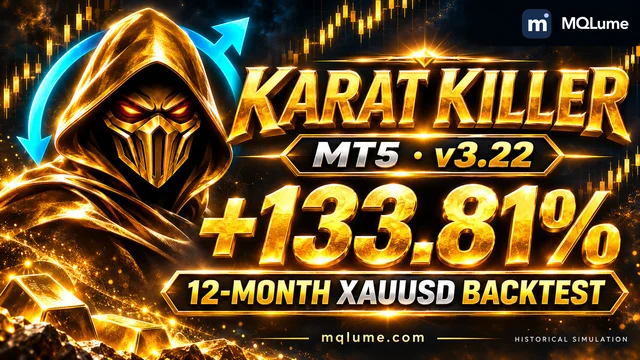
Return, drawdown, monthly results and selected settings for Karat Killer [MQLume] 3.22.

Return, drawdown, monthly results and selected settings for Waka Waka EA [MQLume] 4.59.
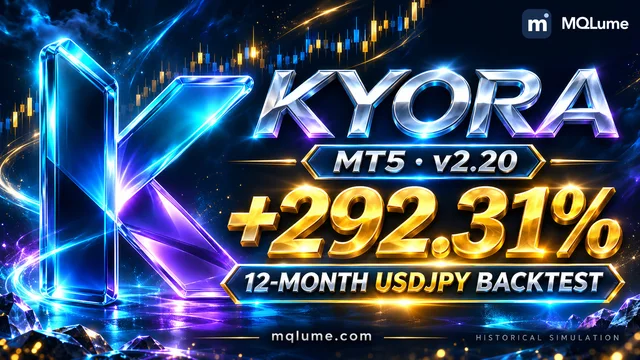
Return, drawdown, monthly results and selected settings for Kyora [MQLume] 2.20.
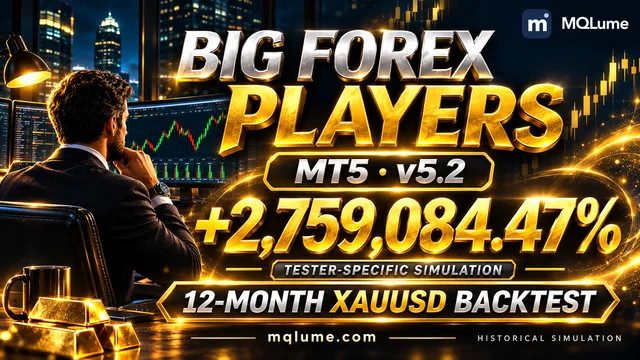
Return, drawdown, monthly results and selected settings for Big Forex Players [MQLume] 5.2.
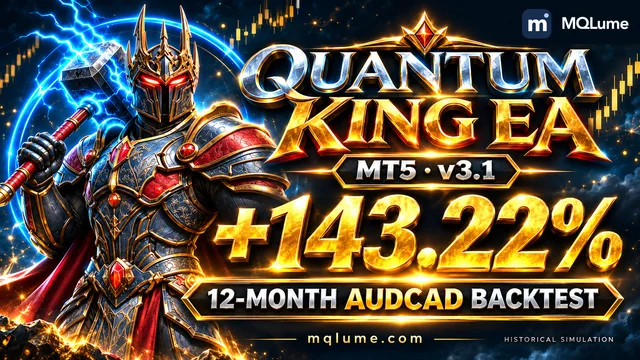
Return, drawdown, monthly results and selected settings for Quantum King EA [MQLume] 3.1.

Return, drawdown, monthly results and selected settings for Quantum Emperor [MQLume] 7.5.

Return, drawdown, monthly results and selected settings for Gold House [MQLume] 3.0.

Return, drawdown, monthly results and selected settings for XIRO Robot [MQLume] 5.0.
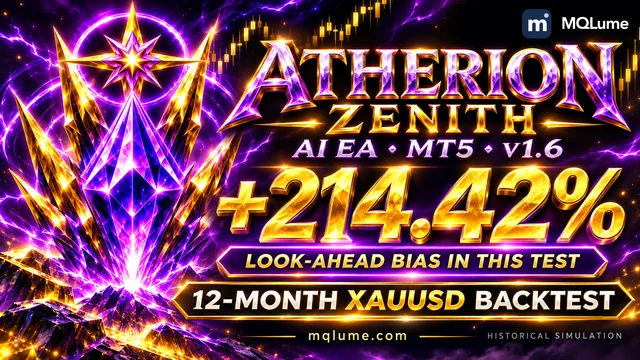
Return, drawdown, monthly results and selected settings for Atherion Zenith AI EA [MQLume] 1.6.

Return, drawdown, monthly results and selected settings for Institutional SMC Robot [MQLume] 3.20.

Return, drawdown, monthly results and selected settings for Gold Trade Pro [MQLume] 7.2.
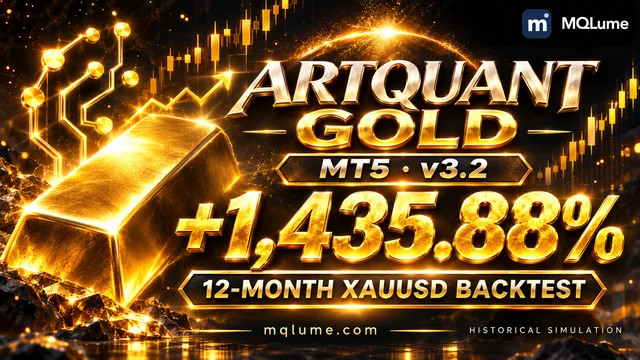
Return, drawdown, monthly results and selected settings for ArtQuant Gold [MQLume] 3.2.

Return, drawdown, monthly results and selected settings for Scraper Gold [MQLume] 3.7.
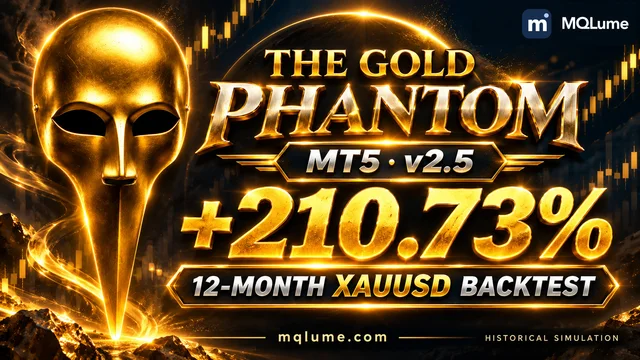
Return, drawdown, monthly results and selected settings for The Gold Phantom [MQLume] 2.5.

XAUUSD · Balance-based sizing, configurable signals and position management. Explore a +2,775.95% historical simulation return, 29.12% maximum equity drawdown and the settings behind the result.

XAUUSD · Four systems, individual risk controls and trailing exits. Explore a +1,045.37% historical simulation return, 28.80% maximum equity drawdown and the settings behind the result.

XAUUSD · Four trading cores with independent sizing and exits. Explore a +60,837.91% historical simulation return, 29.89% maximum equity drawdown and the settings behind the result.

XAUUSD · Six trading cores, flexible sizing and independent exits. Explore a +3,138.83% historical simulation return, 29.28% maximum equity drawdown and the settings behind the result.
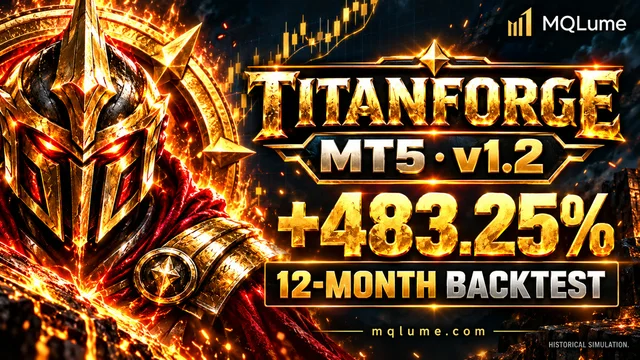
Build on a gold strategy with automatic sizing, trailing exits and configurable execution controls. Explore a +483.25% historical simulation return, 23.12% maximum equity drawdown and the settings behind the result.
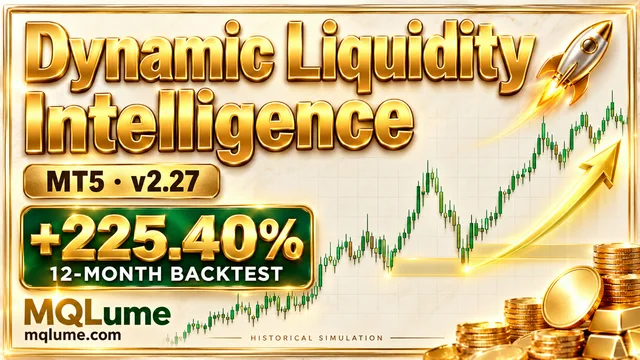
Explore gold market structure, pending-stop entries and flexible position sizing in one editable project. Explore a +225.40% historical simulation return, 22.39% maximum equity drawdown and the settings behind the result.

Explore two Bitcoin systems, a +803,370.74% historical simulation return and 29.47% maximum equity drawdown. See the full settings, monthly results and EA/source editions.

Get the complete Quantum iGold source FREE. Explore progressive sizing, a +220,368.93% historical tester return and the documented test conditions.

Claim the complete MoonDog EA source free at MQLume, then explore its +36,922.04% historical return, MoonLock protection and five-strategy setup.

Fourteen cores. Your US30 strategy. Explore a +2,210.93% historical net return, 29.10% maximum equity drawdown and the automatic-sizing settings behind this US30 test.

Build on a complete gold strategy. Explore a +339,106.85% historical net return, 28.56% maximum equity drawdown and the automatic-sizing settings behind this XAUUSD test.

Build your own gold strategy. Explore a +1,931.02% historical net return, 28.58% maximum equity drawdown and the automatic-sizing settings behind this XAUUSD test.

Claim the complete Smart Gold Hunter EA source free at MQLume, then explore its +242.15% historical return, Positive RR profile and configurable session controls.

Historical backtest: +93,697.83%. Explore Titan’s two-core approach and automatic lot sizing on gold.

Historical backtest: +1,897.22%. Discover My AI Gold’s gold-trading setup and how automatic sizing shaped the results.

Historical backtest: +103.18%. Follow the breakout entries, position sizing and trade-by-trade results.

Historical backtest: +396.90%. Take a closer look at Gold Reaper’s gold scalping and automatic lot sizing.
Practical steps for MT5, testing and editable source code.
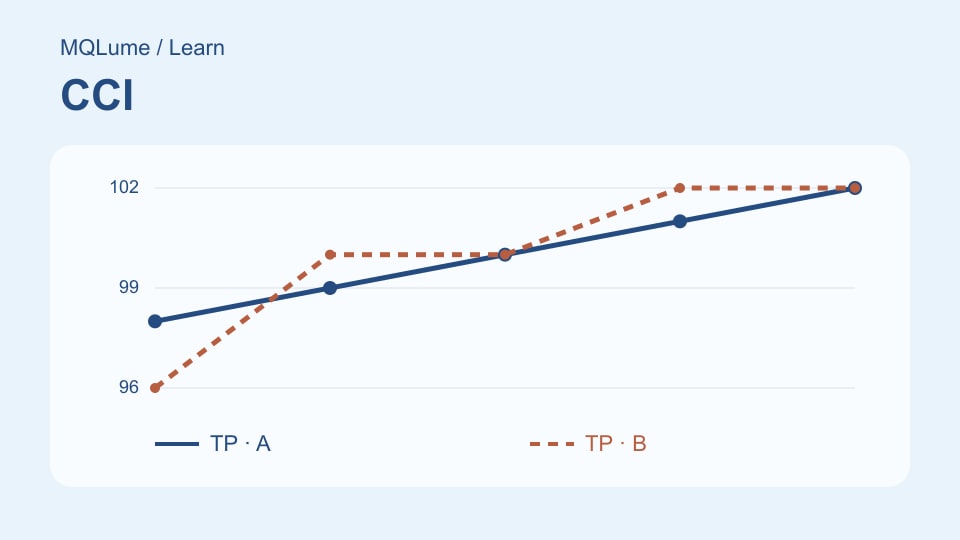
Why does CCI change when the final price stays the same? Recalculate the mean absolute deviation and compare two five-bar windows.
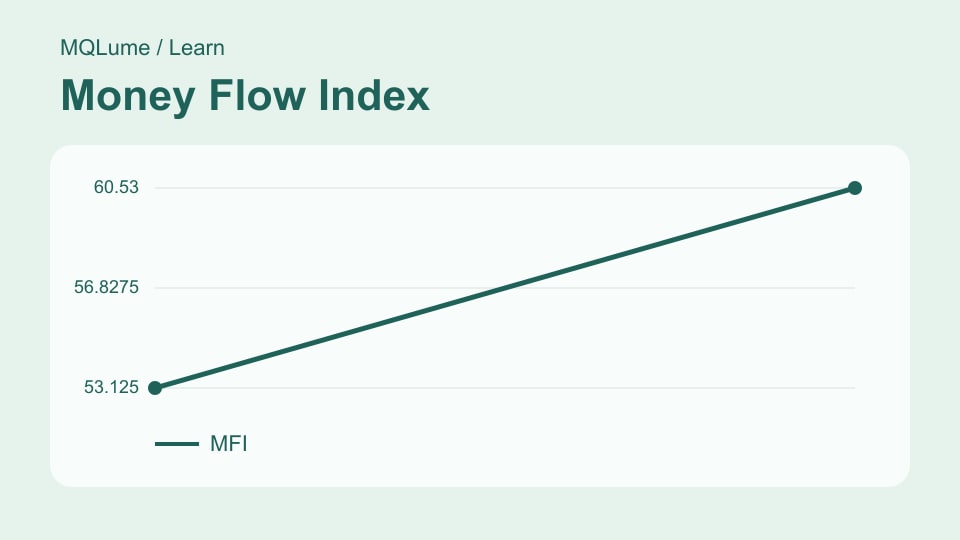
Two feeds can agree on every price and disagree on MFI. Follow the signed money-flow buckets to find the first difference.
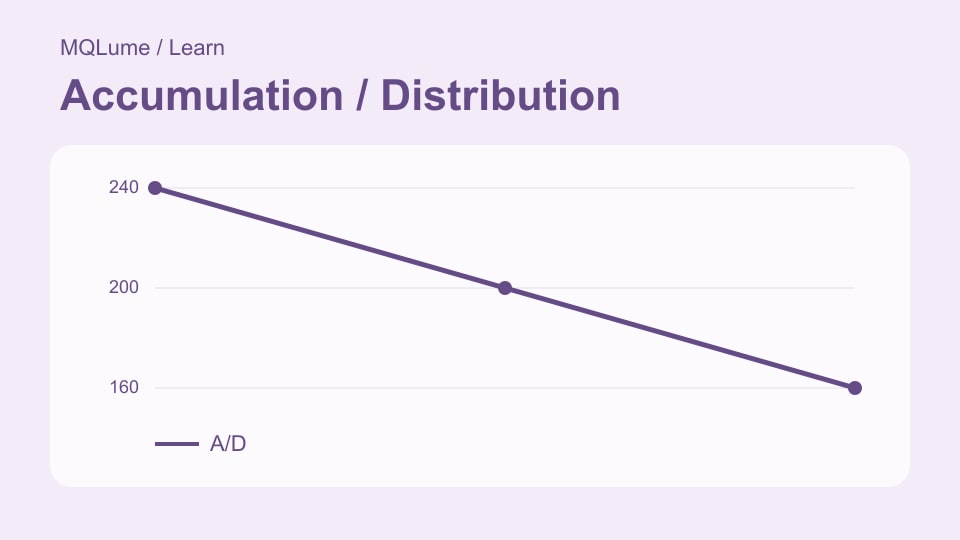
Separate a candle's closing location from its close-to-close return, then reconcile two A/D lines with different starting levels.
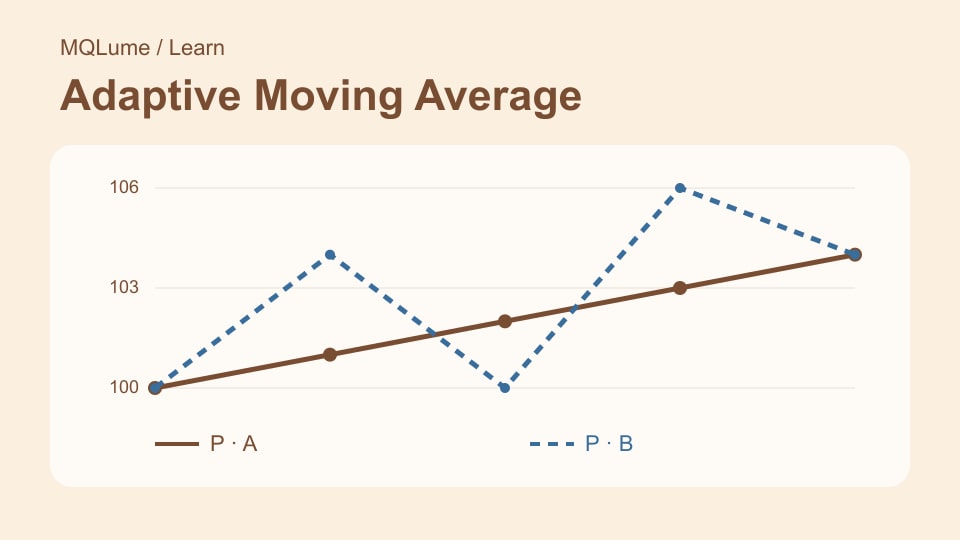
Use two paths with identical endpoints to isolate the efficiency ratio and the squared smoothing coefficient in MT5's AMA.
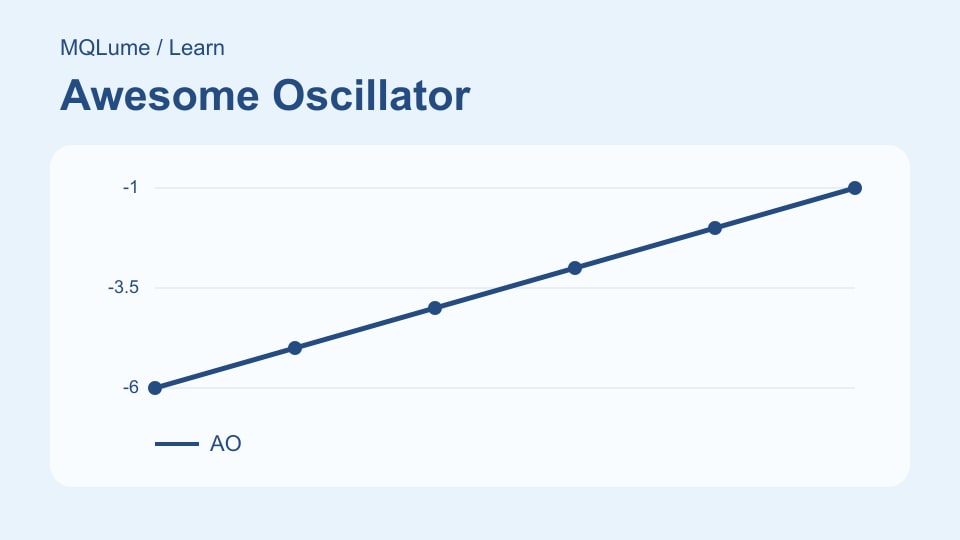
A green bar below zero answers two different questions. Use a five-value example to identify the level, slope and baseline.
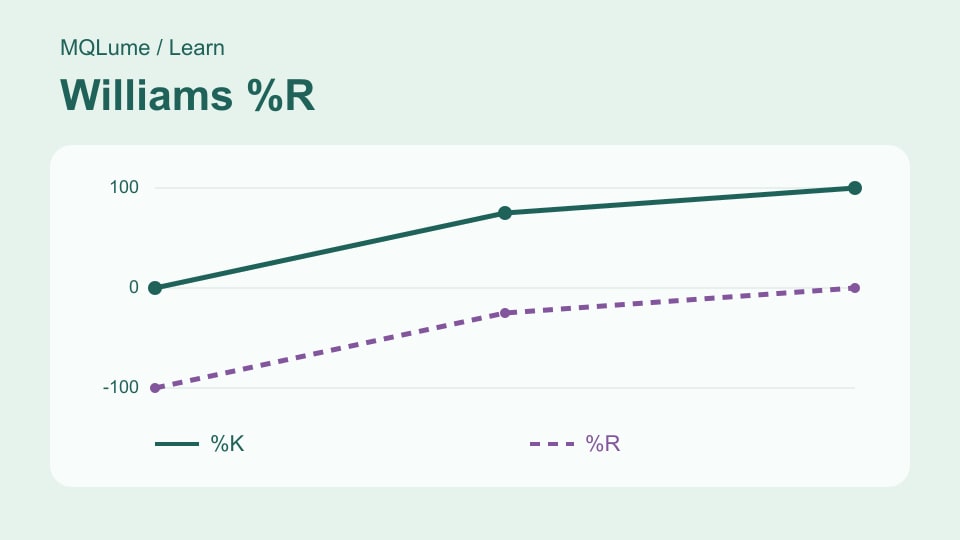
One subtraction reconciles these two oscillators when their price windows and smoothing settings match.
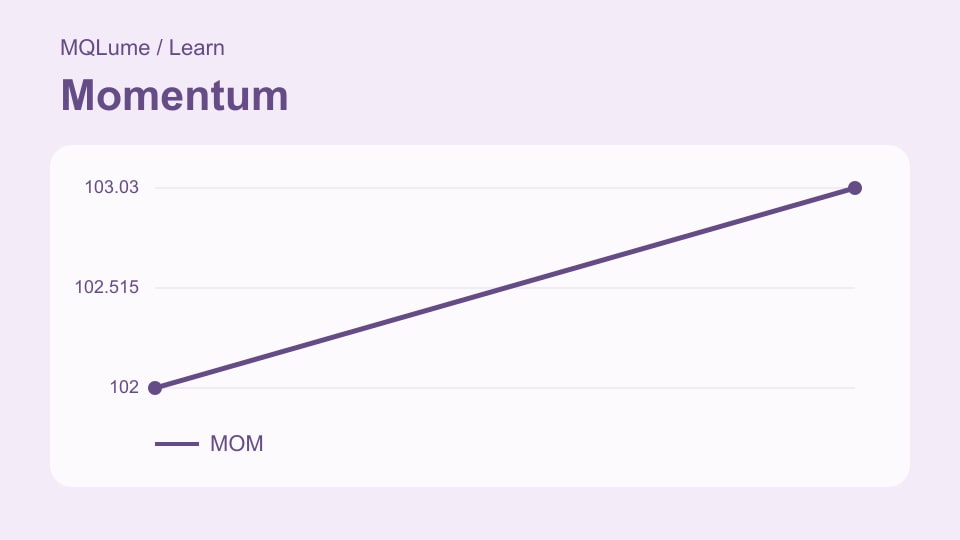
Decode the 100 baseline and find out how Momentum can rise while the latest close stays still.
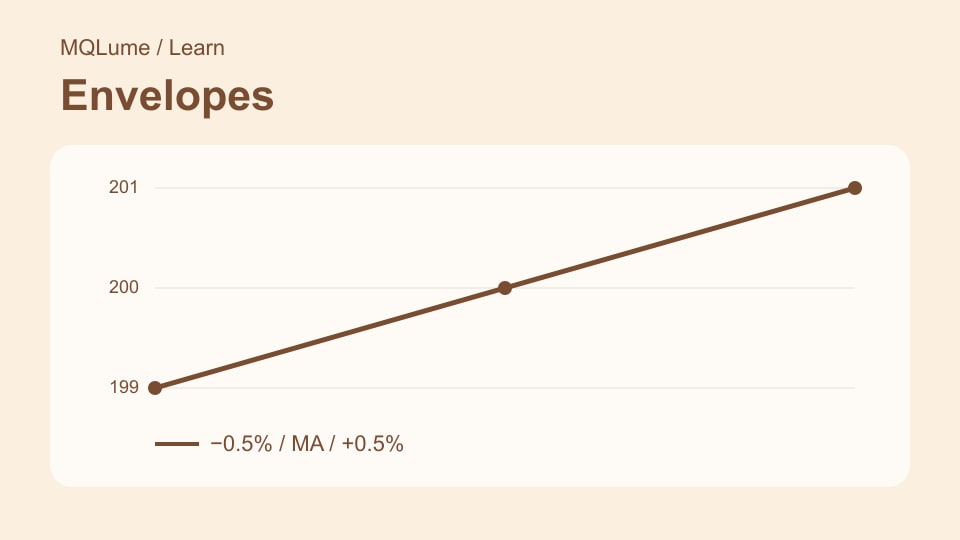
Translate the deviation setting into a price distance and test whether a band moved because price or volatility changed.
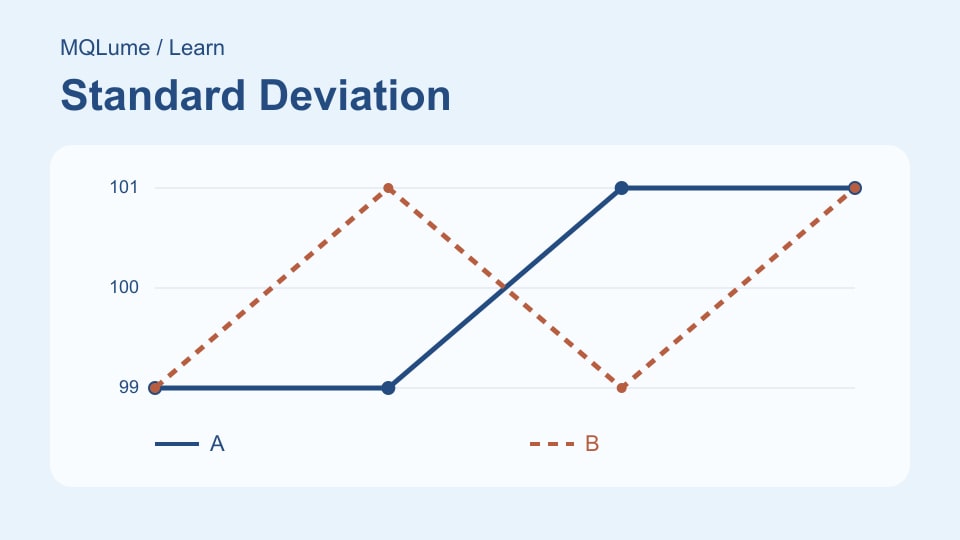
Use a four-close window to distinguish population from sample deviation and price dispersion from return volatility.
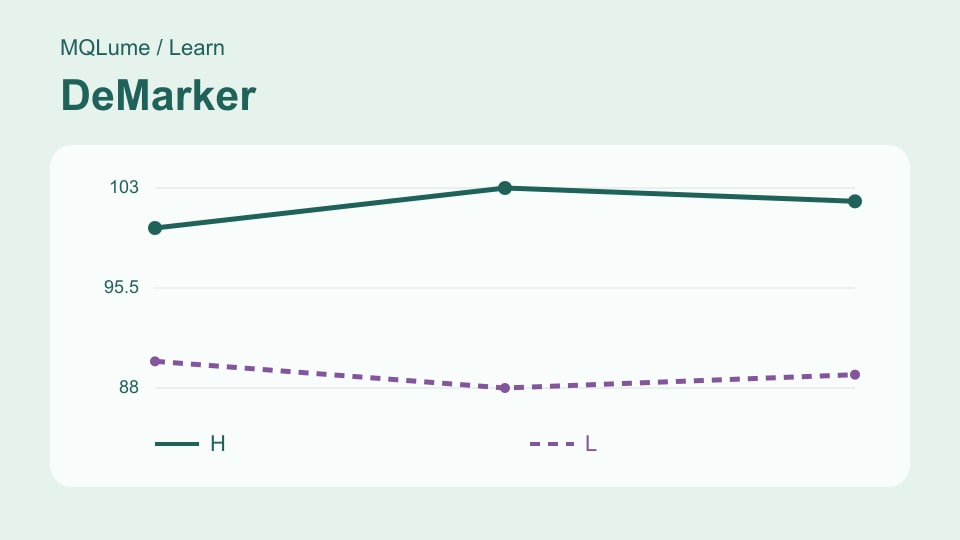
A candle can add to both sides of DeMarker. Compare an outside bar and an inside bar without using their colours.
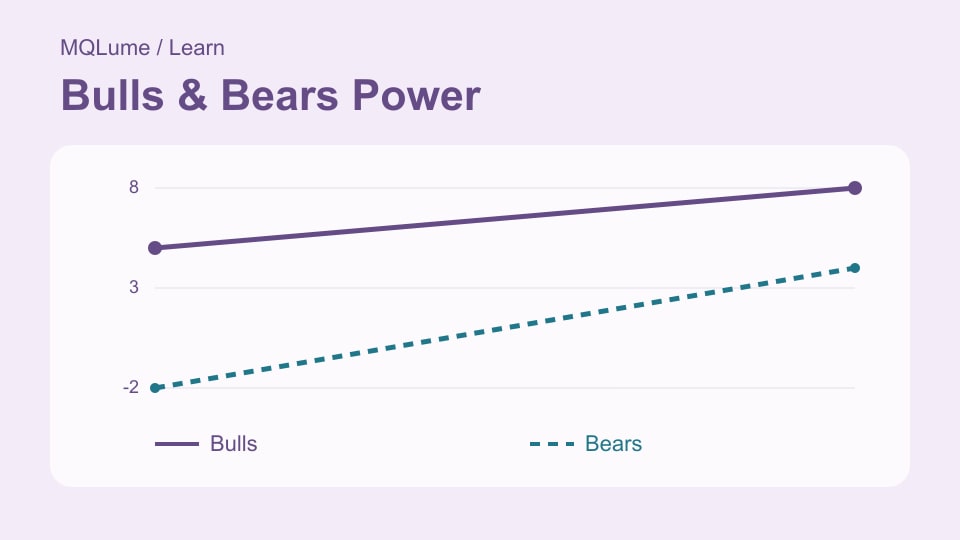
A simple identity catches mismatched settings, timestamps and sign errors when comparing the two MT5 indicators.
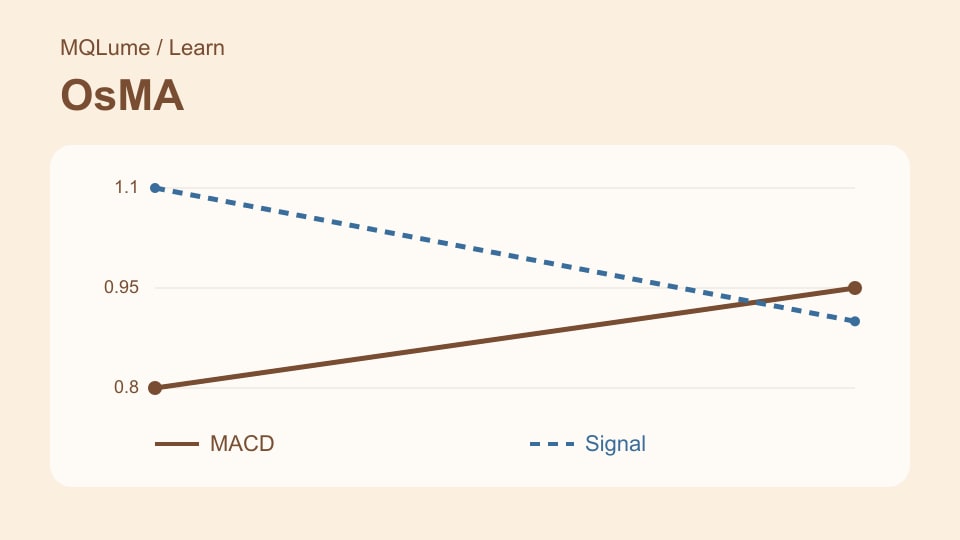
Subtract the signal line from the MACD main value on the same candle to recreate the OsMA bar.
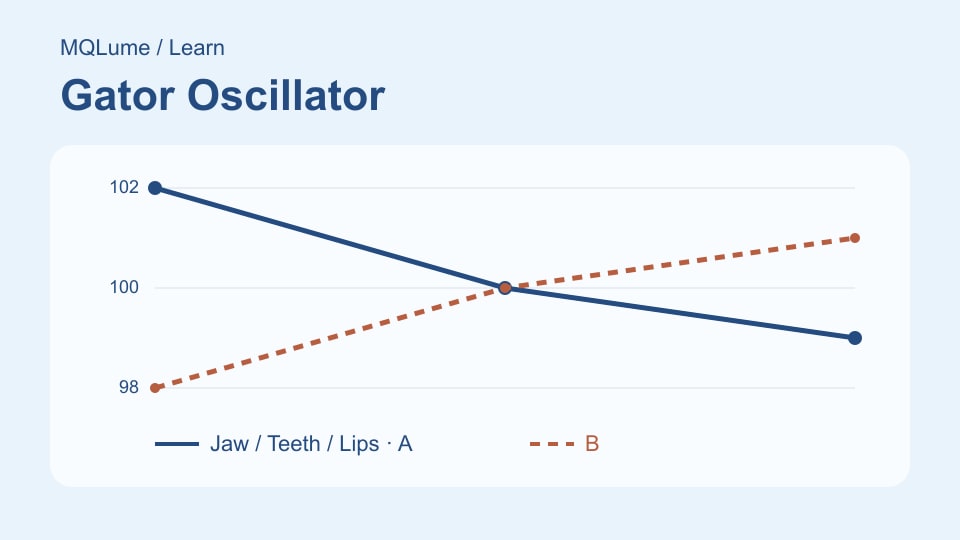
Recover the upper and lower histogram bars from the separation of the Alligator lines.
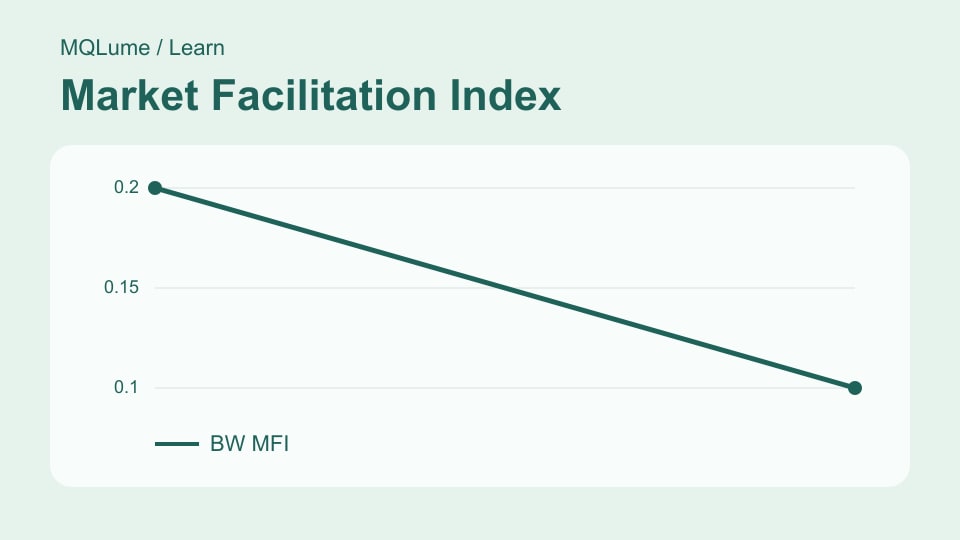
Compute range per unit of volume to identify the Bill Williams indicator and distinguish it from Money Flow Index.
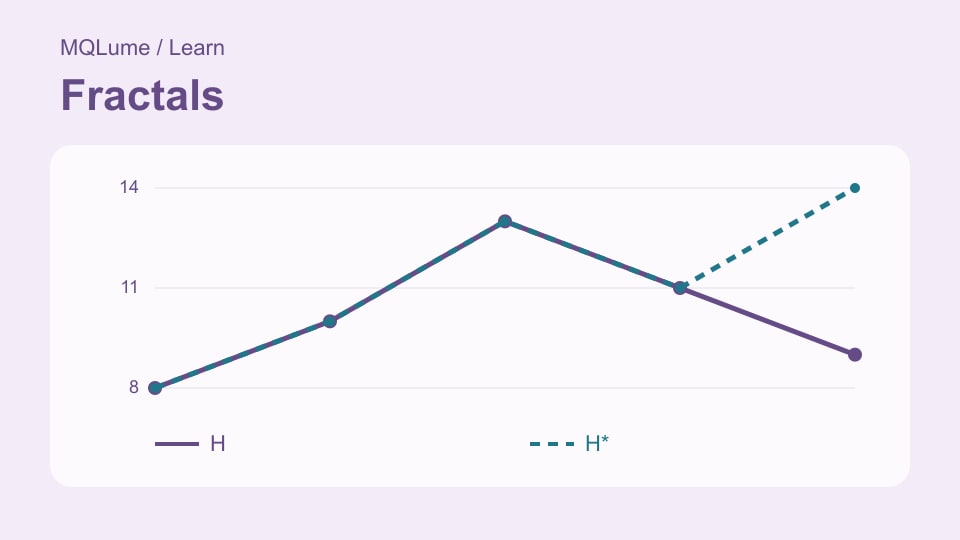
Use five distinct highs to record the pivot candle and the later candle that confirms it.
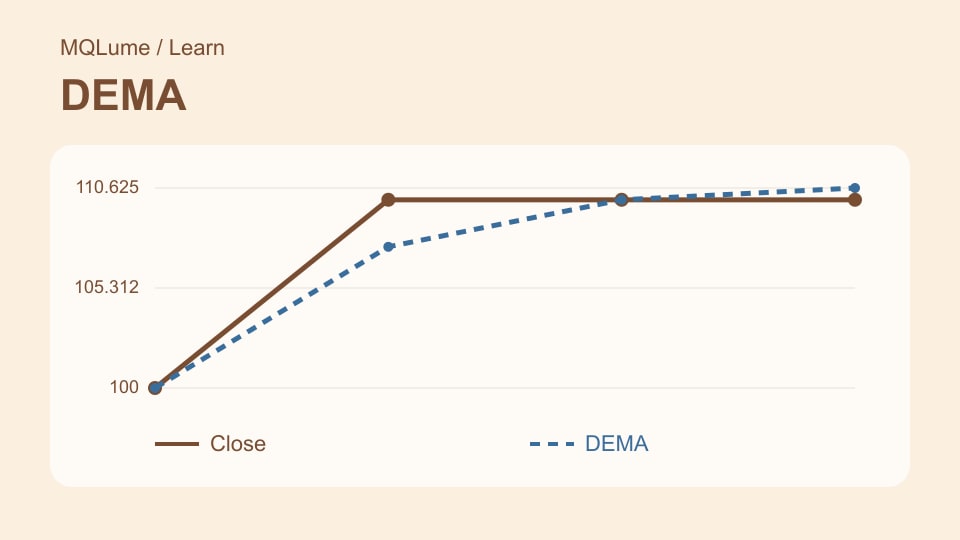
A twice-smoothed EMA and a double exponential moving average produce very different first readings.
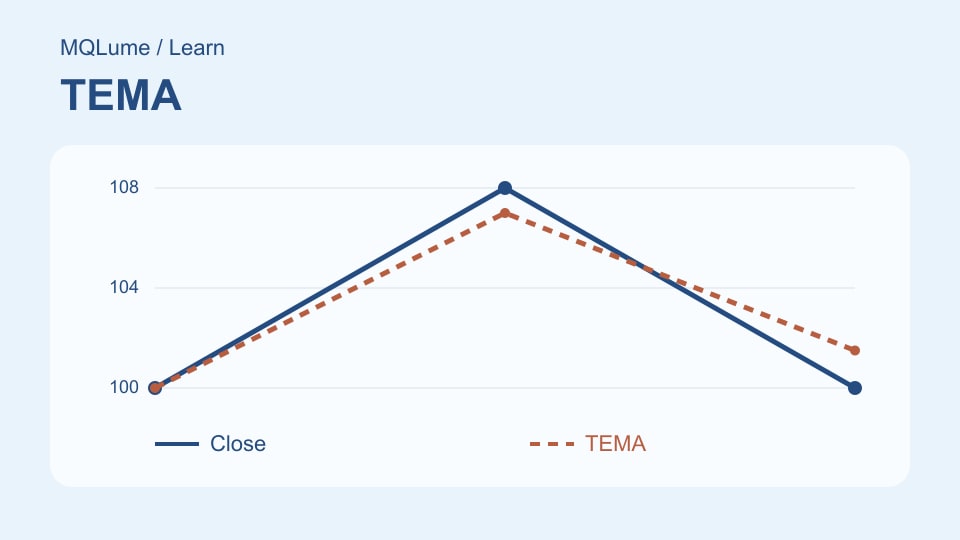
Trace the alternating weights and see why the third smoothing stage alone cannot reproduce TEMA.
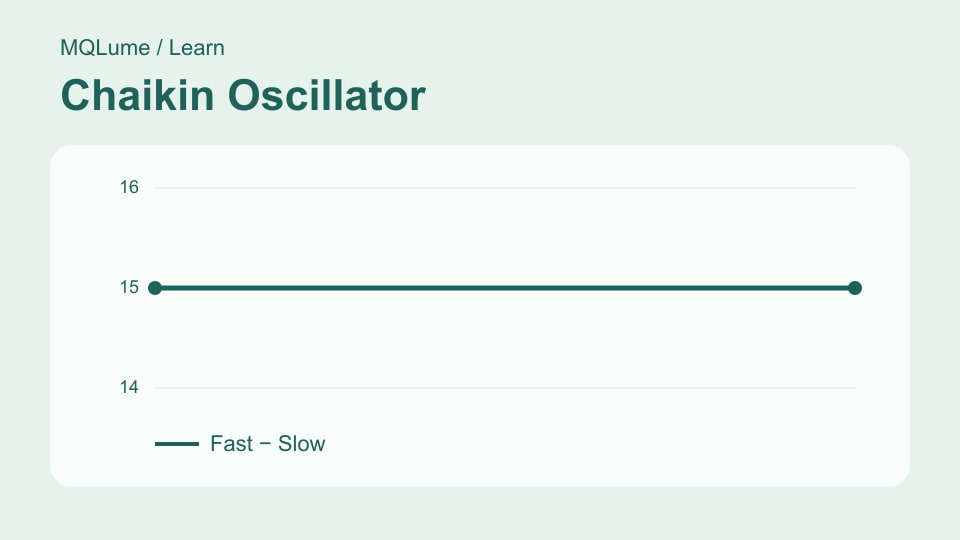
Shift a cumulative line by a constant and inspect which part of the oscillator changes.
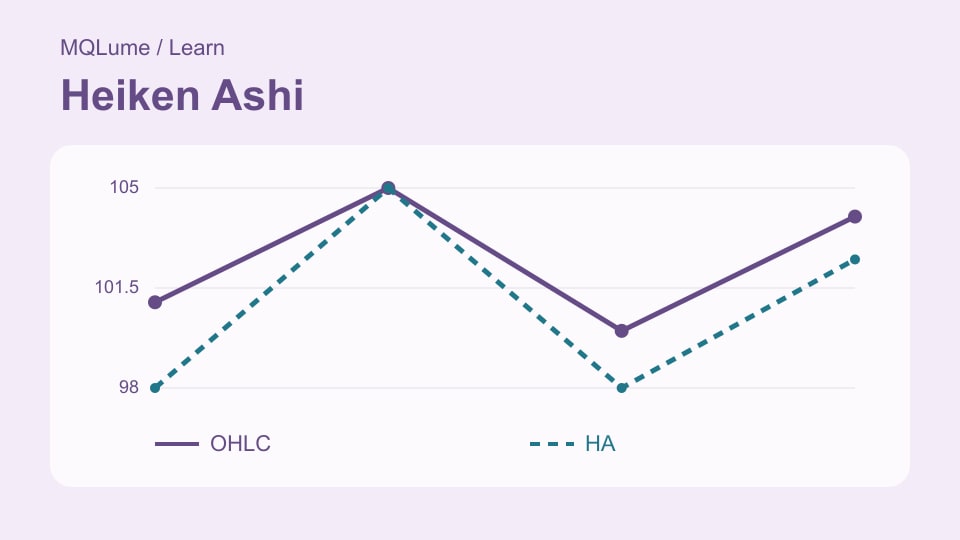
Calculate one synthetic candle and identify a displayed level outside the current raw trading range.
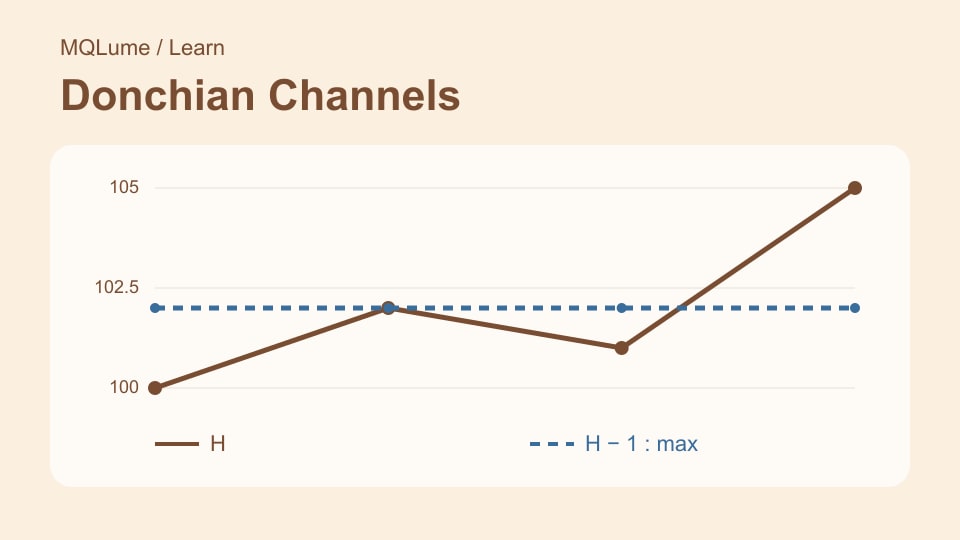
Test a close against yesterday's upper channel and expose an impossible breakout condition.
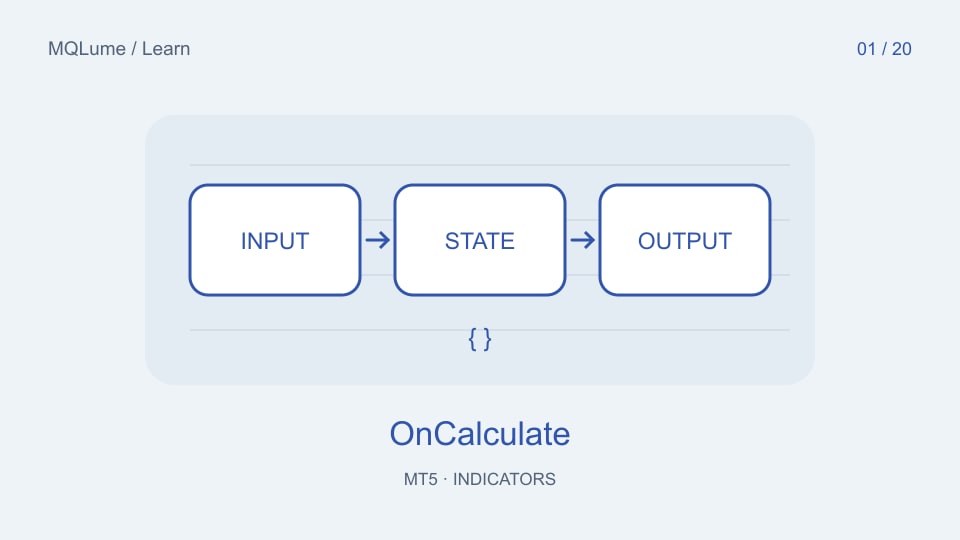
Build a small chart indicator, define its data contract and verify startup, live updates and history resets with reproducible fixtures.
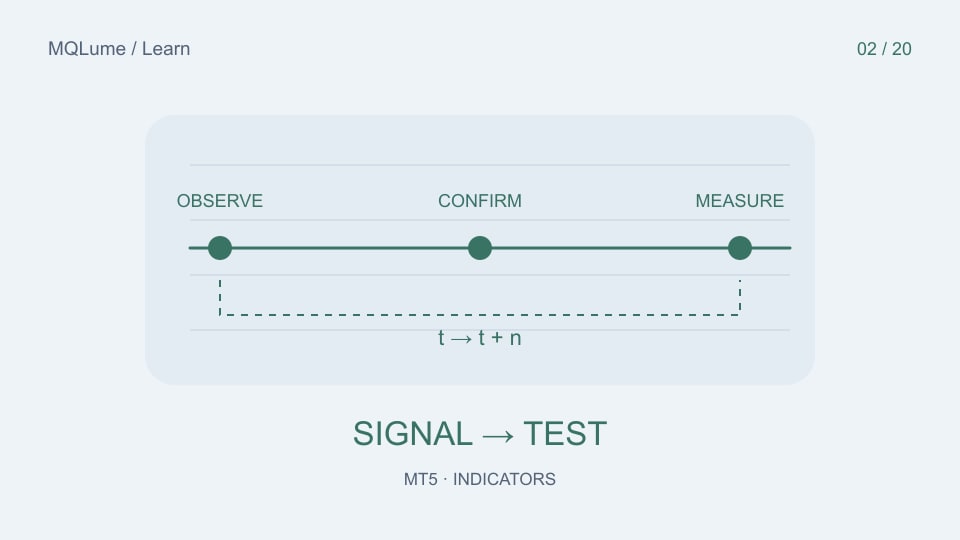
Separate visual inspection, signal timing and trading performance with a reproducible indicator-validation protocol.
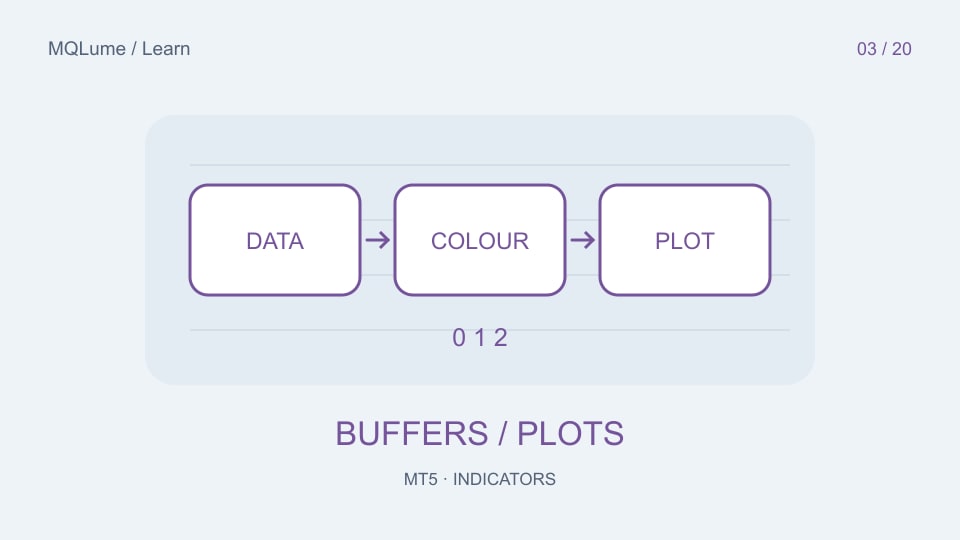
Design an indicator whose chart, Data Window and programmatic values tell the same story, including missing data and delayed signals.
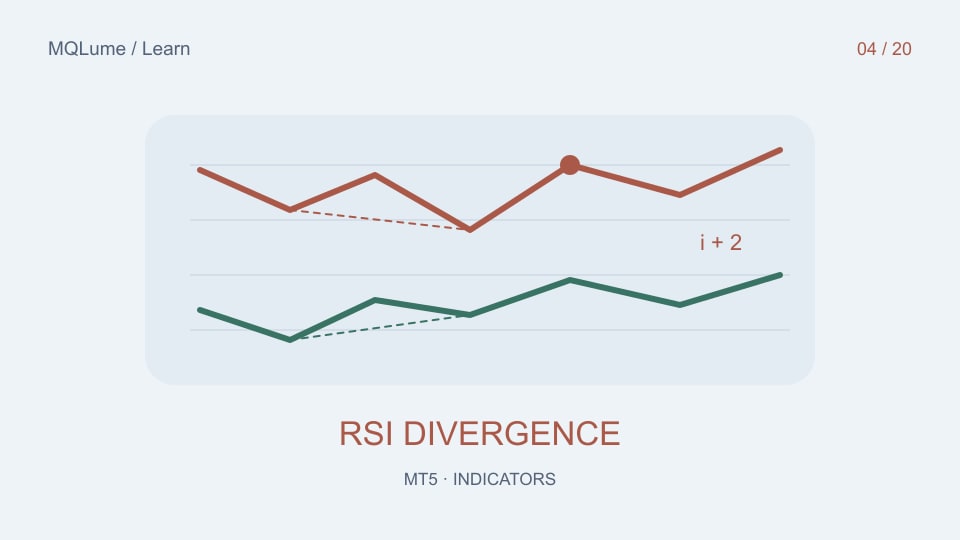
Define divergence as a reproducible event, preserve confirmation delays and test the cases that attractive historical arrows can hide.
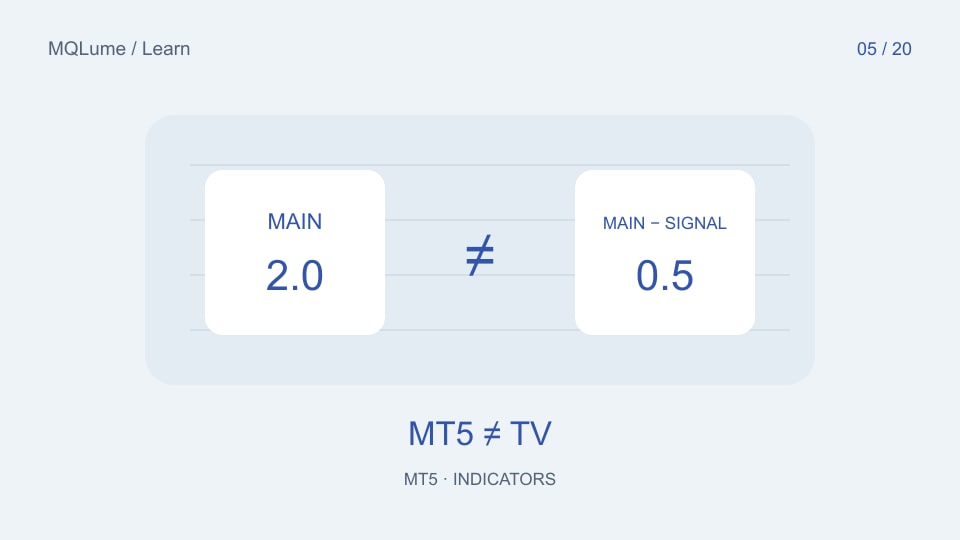
Compare data, sessions, formulas, smoothing and bar alignment before blaming an indicator or copying a strategy across platforms.
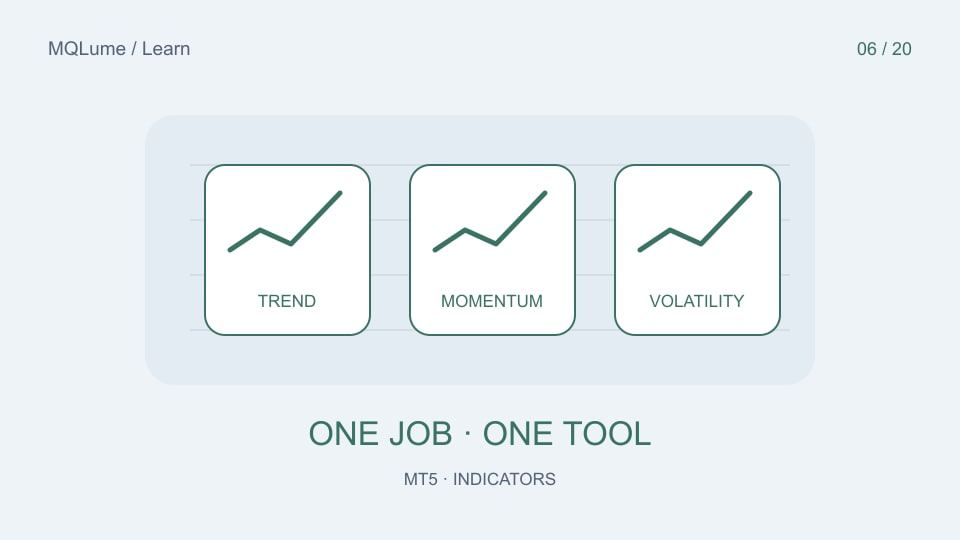
Choose indicators for trend, momentum, volatility and participation without treating correlated signals as independent confirmation.
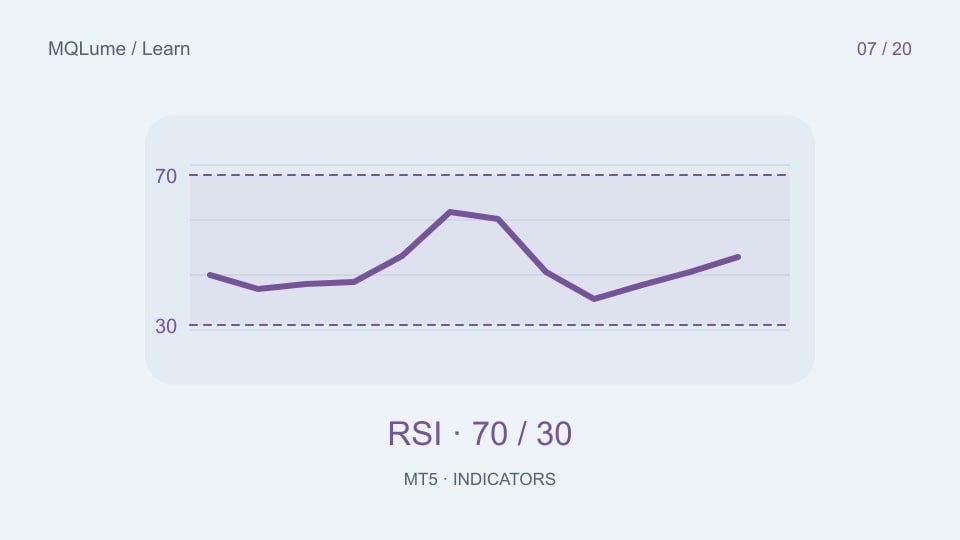
Read RSI as momentum, distinguish a level from a crossing event and avoid interpreting overbought as an automatic sell signal.
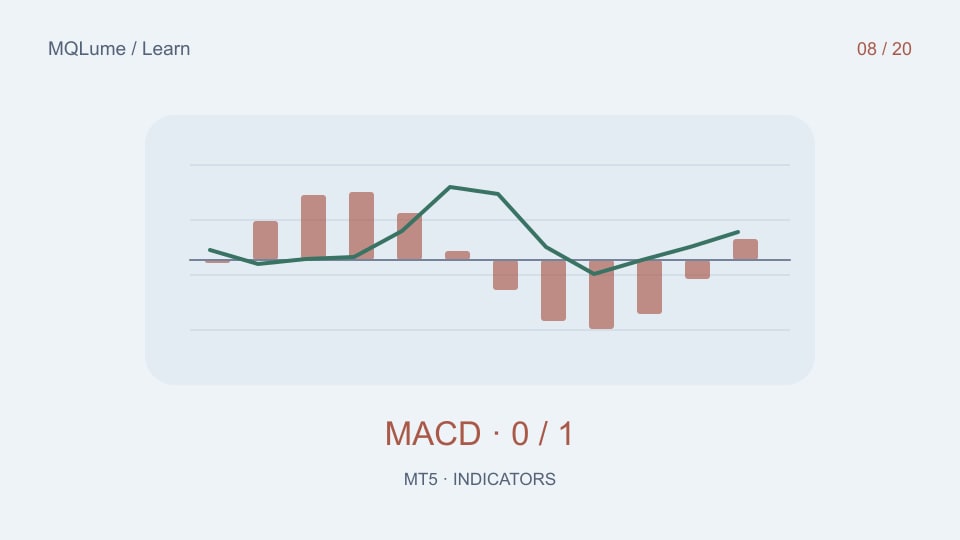
Distinguish the MACD main value, signal line and their difference before comparing charts or writing a crossover rule.
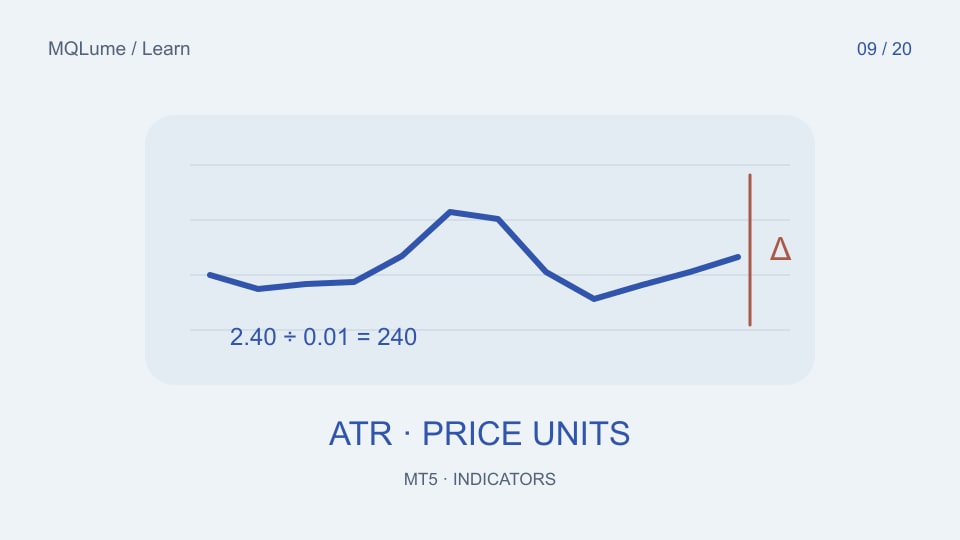
Convert ATR into meaningful price or tick units, account for gaps and avoid treating volatility as direction.
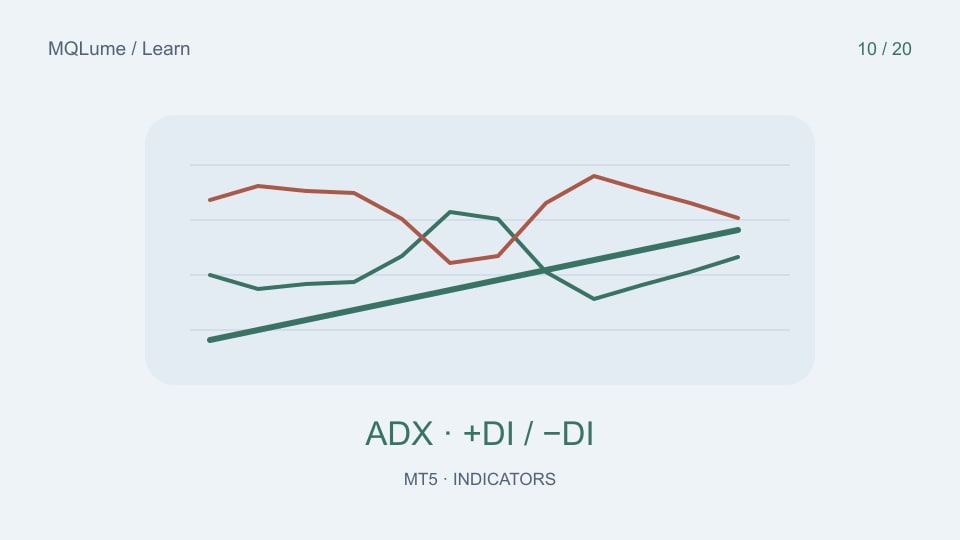
Read the ADX line alongside +DI and −DI, distinguish state from crossover and check the Wilder variant before comparing values.
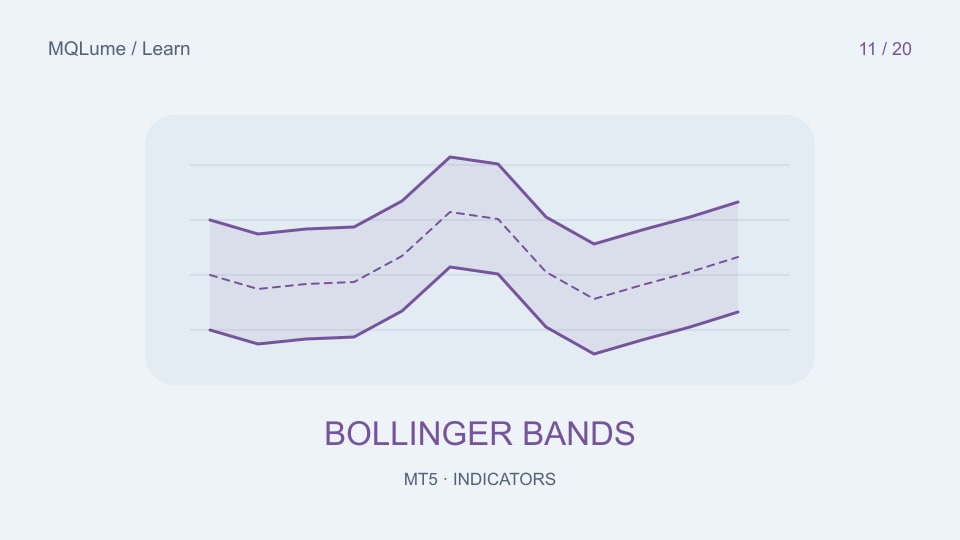
Measure band width consistently and distinguish a volatility contraction from a directional breakout forecast.
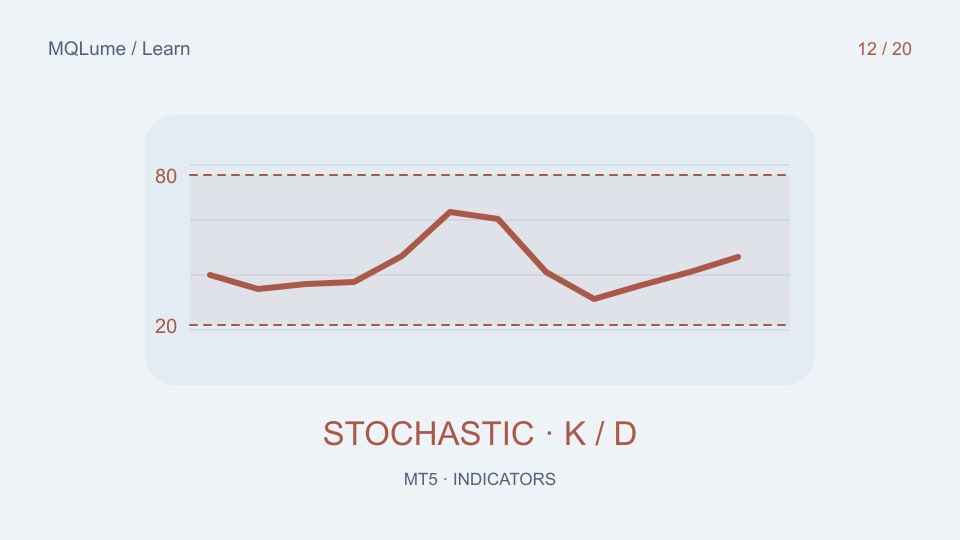
Understand the three period controls, identify what a threshold crossing means and avoid confusing Stochastic with RSI.
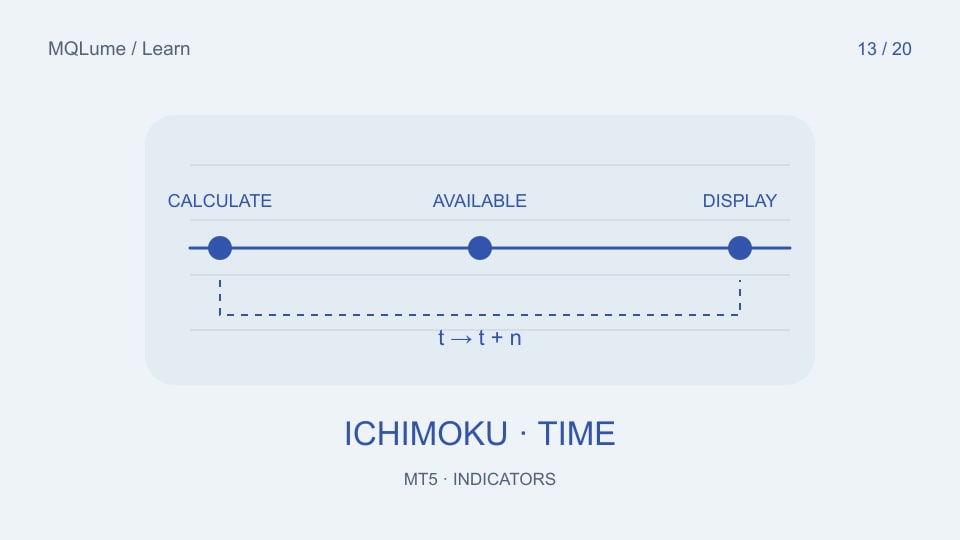
Separate when Ichimoku values are calculated from where they are plotted, including the cloud and lagging span.
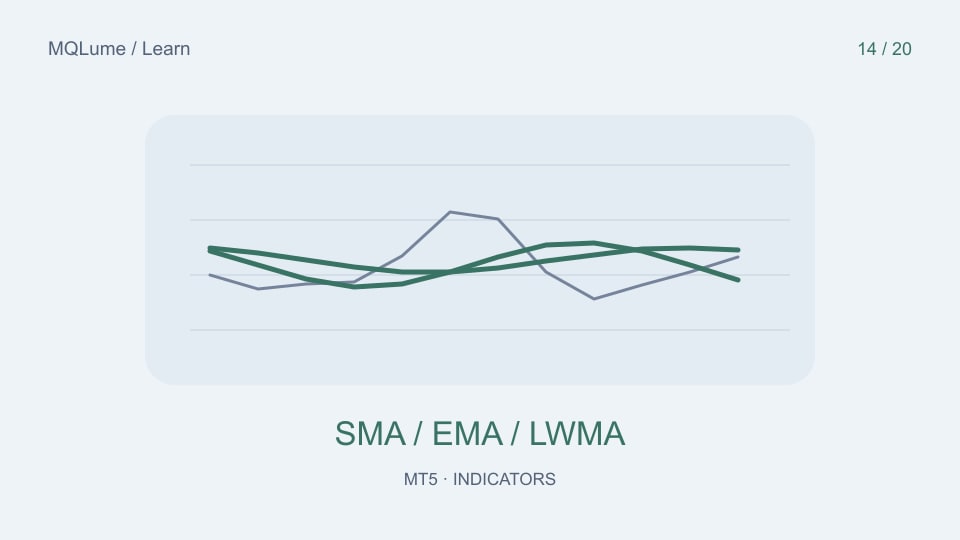
Compare moving-average methods and inputs with a small numerical example instead of choosing settings by appearance.
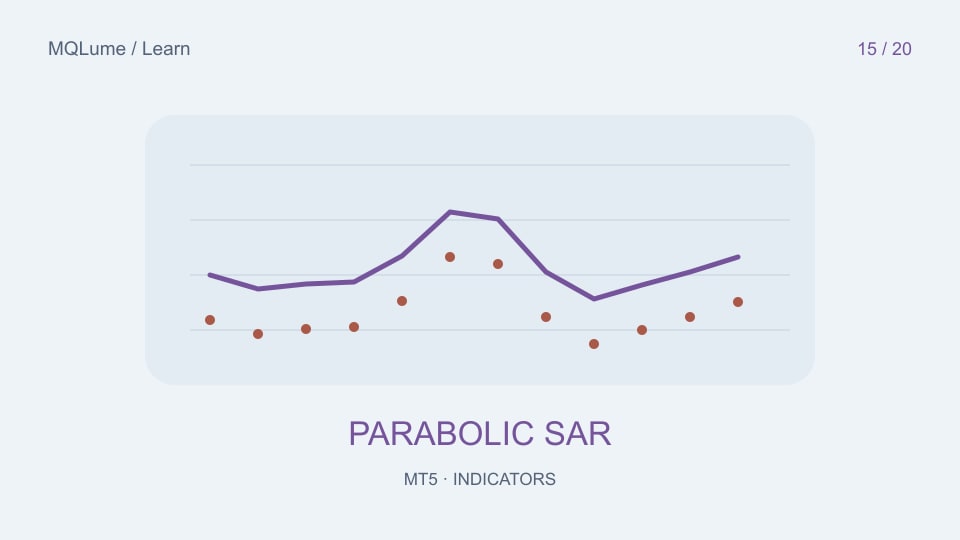
Understand SAR’s step and maximum controls, reversals and the extra work required to turn a plot into an executable stop rule.
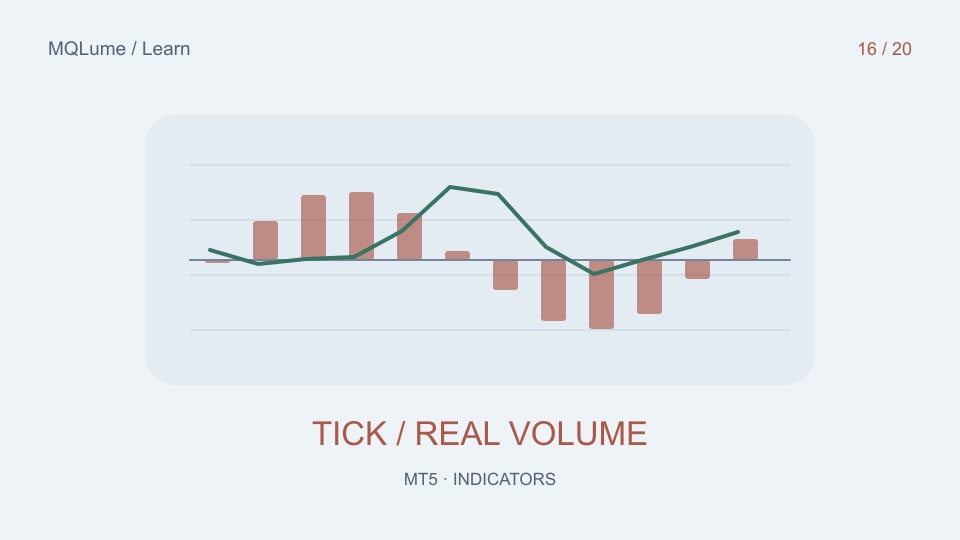
Identify the volume source behind a chart and avoid presenting broker tick activity as global traded volume.
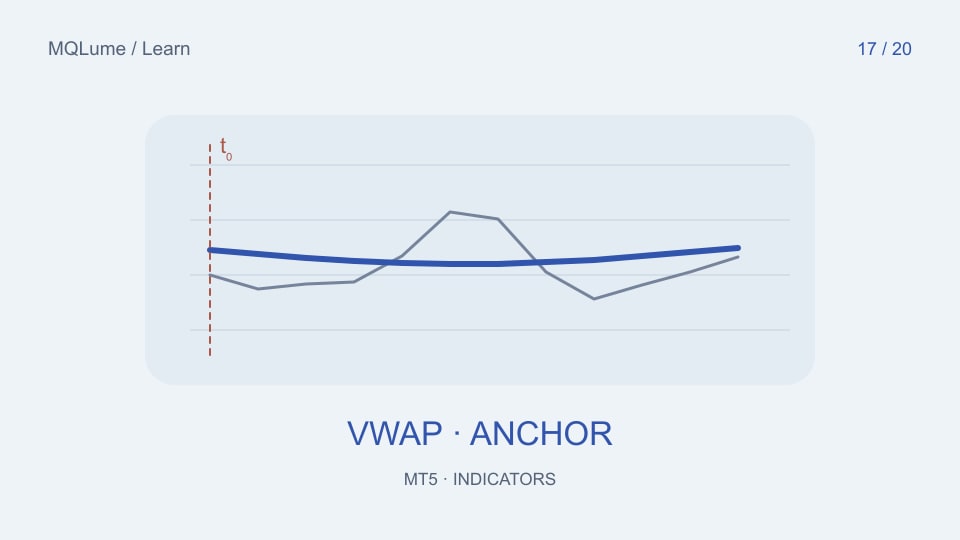
Specify the price, weight and session boundary before installing or writing a VWAP indicator.
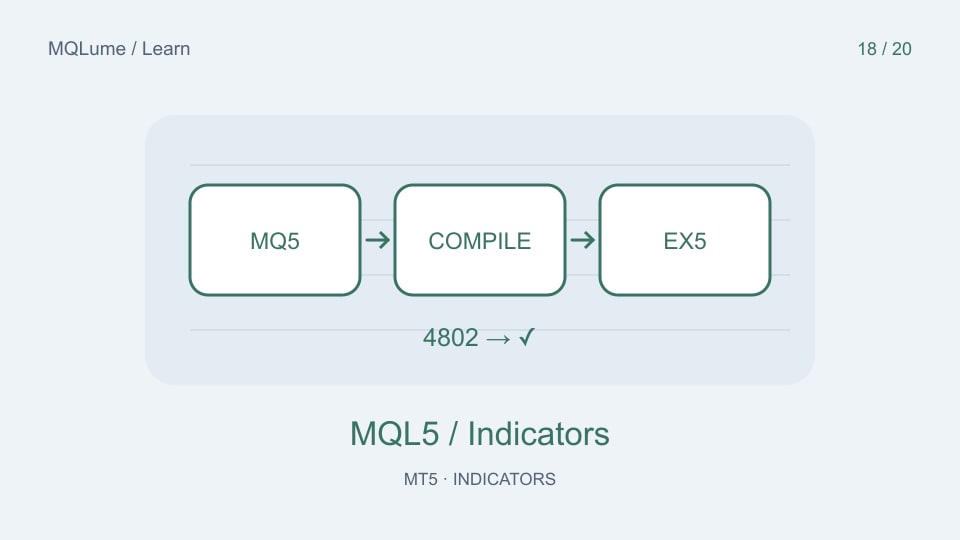
Check the active data folder, file type, initialization and display settings before treating a missing plot as a broken indicator.
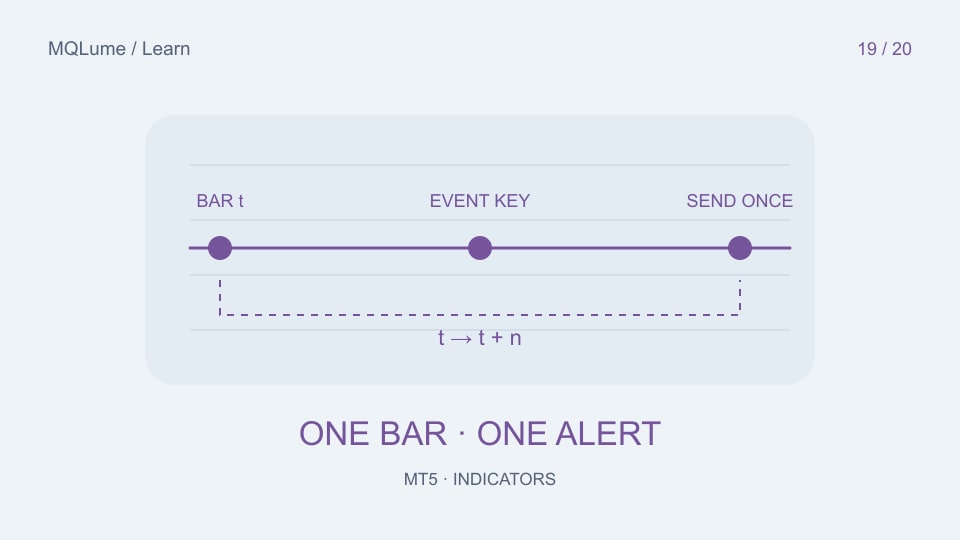
Define a signal identity, closed-bar policy and restart behaviour before adding desktop or push alerts.
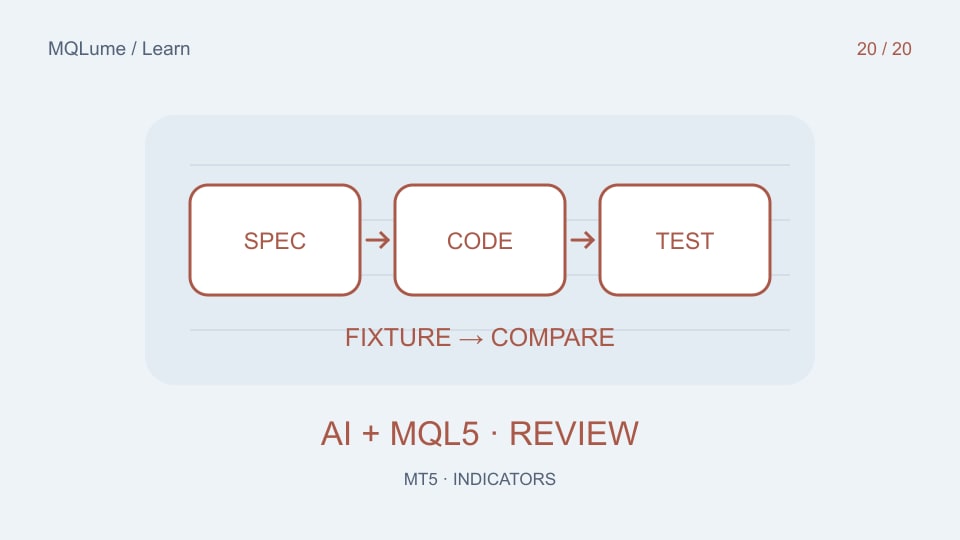
Give AI a calculation contract, numerical fixtures and timing rules, then review the result beyond a successful compile.
Turn brief input labels into clear rules: check units, switches and dependencies, then change and verify one setting at a time with a reusable worksheet.

Choose how long an unfilled order remains valid and distinguish cancellation from a closed trade.
Understand the trigger price, resulting limit order and why activation may not produce a fill.

Plan the ticket, remaining lot size and completion state for a reliable scale-out rule.
Understand paired closure, unequal volumes and the difference from opening an offsetting trade.

Check long and short financing, calculation mode and the rollover multiplier for your instrument.

Separate quote currency, account currency and trading costs when explaining a potential trade.

Read the threshold mode and distinguish account-level liquidation from an EA stop loss.

Learn what a chart template saves and why a profile change can affect attached EAs.
Configure push delivery and separate important state changes from repeated tick messages.

Understand persistence, naming collisions and how to reconcile saved state with current positions.

Resolve file-loading confusion between the terminal, tester agents and the common files directory.

Map signal timestamps to the correct higher-timeframe candle before combining indicators.

Separate chart events from the freshness of prices used for other instruments.

Connect requests, orders and deals without assuming one request creates one callback.

Use purposeful tolerances and distinguish decimal formatting from valid trading increments.

Compare recorded live-time values with later chart history instead of relying on a finished screenshot.

Use labelled synthetic data to investigate one EA behaviour without confusing it with a broker backtest.

Understand why a withdrawal changes ending balance and can alter automatic position sizing.

Keep a reviewable baseline, a focused change and a matching compiled build.

Separate data preparation from the interval whose results you report.

Claim MoonDog free, place the files in MT5, compile the editable source and discover the controls.

Look beyond a performance chart. Discover how editable source and AI explanations help you understand and customise a trading strategy.

Understand what tester delay changes, choose a defensible baseline and compare entries instead of guessing from headline profit.

Learn the difference between margin capacity and position size with a simple leverage example.
Compare actual quotes, costs and execution conditions instead of choosing a broker from an account label alone.

Use a round-trip cost worksheet to compare account types without relying on the smallest advertised spread.
Understand what a low-latency VPS can improve and why ping is not a complete measure of order execution.
Plan a single active execution environment and check migration before leaving an EA running.

Plan the roles of desktop hosting and mobile monitoring before installing your first Expert Advisor.
Distinguish a connection issue from an inactive market or a strategy waiting for a signal.
A symbol suffix can change which instrument your EA reads. Check names and contracts before changing settings.
Find the setting responsible for blocked automation without changing your EA strategy.

Match the trade request to the symbol’s supported filling policy instead of hard-coding one broker’s setting.

Build a clearer order workflow by separating preflight validation, request submission and execution confirmation.

Use array length and copied-data counts to fix a runtime error at its source.

Handle asynchronous history preparation and avoid treating missing candles as zero prices.

Understand why a signal can change before a candle closes and define when your EA should act.

Design a request lifecycle that distinguishes an open position, a pending request and a genuinely new signal.

Keep calendar events and trading-session logic in the same time basis.
A focused checklist for an EA that cannot reach an HTTPS service.

Give an AI coding assistant a small, precise problem and verify the resulting change in MetaEditor.

Separate a model making predictions from an assistant helping you write and understand an EA.

Understand the plumbing that connects a trained model to an Expert Advisor.

Start with an observable improvement before attempting to redesign an entire trading strategy.
Preserve the old build and inputs, then verify which version is actually loaded.

Understand how stop management changes an EA’s exits and why entry price is not always cash break-even.

Understand why a smooth closed-trade balance can hide a much larger floating loss.

Compare data, symbol specifications and costs before assuming one test is wrong.

Check when data became available, especially when building multi-timeframe or AI-assisted strategies.

Explore sequence sensitivity without presenting simulated variations as new market evidence.

Use MQLume’s free EA collection to explore real project files, parameters and the customisation workflow.

Collect a small reproduction, the relevant error and the right version so support can investigate efficiently.
Install an MT5 EA in the correct data folder, confirm the loaded version and prepare a clean first test.

Understand SET files, reset defaults and keep EA settings attached to the correct version and broker symbol.

Use Magic Numbers, symbols and position tickets to keep several EA instances organised on one MT5 account.
Understand account position modes and check whether an EA expects separate positions or one net position per symbol.
Prepare an EA for continuous operation, distinguish a Windows VPS from MQL5 hosting and verify the remote journal.

Keep EA session filters consistent across broker time, UTC offsets and daylight-saving changes.

Distinguish quote precision from tradable price increments when configuring spreads, stops and EA calculations.
Check minimum lot size, volume step, maximum size and request details when an MT5 EA returns invalid volume.
Diagnose invalid stops by checking price direction, stop distance, broker increments and modification restrictions.

Inspect actual tick coverage, broker symbols and tester logs before interpreting an Every tick based on real ticks report.

Find repeated indicator work, excessive logging and unnecessary chart updates while preserving strategy behaviour.

Create indicator handles, check readiness and read the intended bar without confusing a forming candle with a closed one.

Place initialization, quote-driven logic and periodic display work in the right MQL5 event handlers.
Understand the request, execution and exposure layers before reading EA logs or changing trade-management code.

Plan an MT4-to-MT5 port around indicators, events and trading semantics rather than changing the file extension.

Understand common auto-lot formulas, broker volume constraints and what to record when testing dynamic position sizes.

Define spread units, entry behaviour and test cases before adding a custom filter to an editable forex robot.

Use AI to understand and customise MQL5 source through a focused brief, a small diff, compilation and repeatable tests.

Use a practical prompt brief to request focused MQL5 changes, preserve strategy rules and define acceptance tests.

Explore MQLume’s editable MT5 EA projects, personal-use freedom and a practical path from source to AI-assisted customisation.
Understand what an Expert Advisor does, how it differs from an indicator, and what to check before running a forex robot.
Learn the difference between editable EA source, compiled programs, includes and SET files before choosing an MT4 or MT5 package.

Open your MQ5 file in MetaEditor and press F7. After a successful build, the EX5 appears beside the MQ5. Follow the steps below to find the right folder and resolve compilation errors.

Set up an MT5 baseline test, choose a tick mode, inspect individual events and save enough evidence to repeat the result.

Use worked examples to understand win rate, profit factor and drawdown, and ask better questions about an EA backtest.

Separate parameter selection from evaluation, preserve an untouched period, and distinguish historical forward tests from demo observation.

Read a gold symbol’s contract specifications and understand how units, volume and account currency affect a position-size calculation.

Compare trading costs with a worked example, avoid double counting and document execution assumptions in an EA test.
Distinguish missing signals, permission problems and rejected trade requests, then prepare a support report that can be reproduced.

Check editable files, dependencies, release identity, testing evidence, licence terms and support before buying EA source code.
Try another keyword or clear your filters.
MQLume publishes software education and forex-mechanics guides. Worked examples are illustrative, not results from our products. We sell source-code packages, so product links are commercial links to our own store.
Educational information only. This is not investment advice or a recommendation to trade. Forex and leveraged derivatives involve substantial risk. Backtest and demo-test software before considering live use; past results do not guarantee future performance.
Ask us about advanced custom development. Share your requirements through private support or email; we will discuss the scope and quote separately.
100% committed to following up on your delivery and support requests.




Free editable gold breakout project with six independently selectable cores, session filters and flexible position sizing.

Free editable source with compiled EX5: four gold breakout engines with independent profiles, sizing, direction and exits.

Trend-based entries with optional grid additions, side controls and virtual exits.

RSI entries with two ATR filters, configurable sessions and optional grid management.
Ready for another approach? Choose an EA to run, or source code to explore and customise.

Source code · MQ5 + EX5
XAUUSD · Four systems, individual risk controls and trailing exits.

Source code · MQ5 + EX5
A multi-strategy gold portfolio with an optimized six-strategy mode, a custom mode, cross-asset filters and configurable risk controls.

Indicator · EX5
Chart signals with adaptive or manual target levels and configurable alerts.
Free EA · MQ5 + EX5
Free editable source with compiled EX5: four gold breakout engines with independent profiles, sizing, direction and exits.

Stay close to MQLume, wherever you like to learn.
See our EAs in action. Explore backtests, walkthroughs and practical guides.
Watch on YouTubeMeet other EA users, share ideas and keep up with what’s new.
Join the community Follow official updates