Indicators
Install an MT5 custom indicator and diagnose a blank chart
Use the active terminal data folder
In the desktop terminal, open File → Open Data Folder and locate MQL5/Indicators. Put the authorized indicator files in the intended subfolder, then refresh Navigator or restart the terminal if required. With several terminal installations, verify the data folder of the terminal you are actually using.
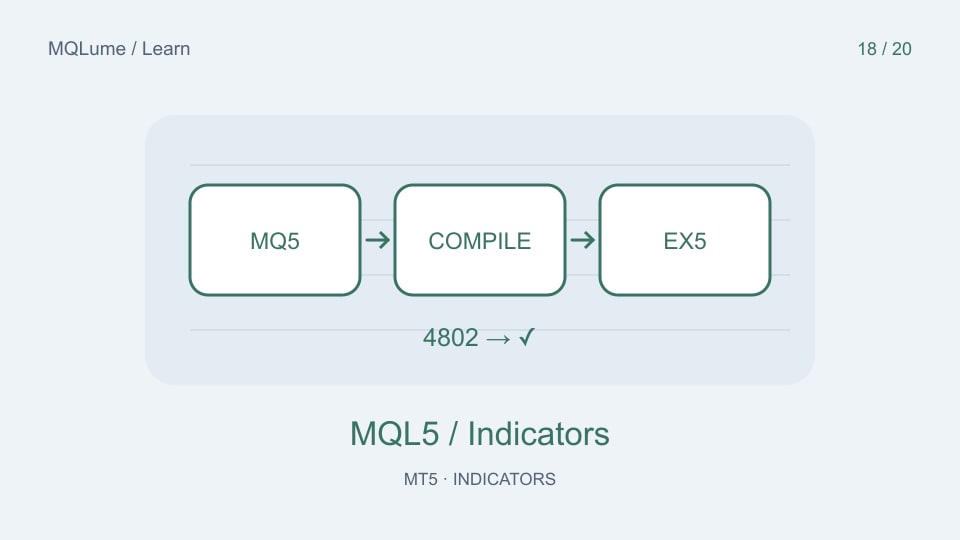
An MQ5 file is source that must be compiled into an EX5 program. An EX4 file is an MT4 program and is not made compatible with MT5 by renaming it. Keep the supplied directory structure when the indicator has documented companion files.
Attach it and inspect initialization
Drag the indicator from Navigator onto a suitable chart and check its inputs. Read the Experts and Journal messages immediately if it fails. Record the exact error, symbol, timeframe and version before changing settings.
A visual indicator does not need permission to place trades merely to draw a line. Do not enable unrelated DLL or network permissions as a universal troubleshooting step. Use only the documented requirements of a trusted package.
A blank chart has several possible causes
Check whether enough history exists for the lookback, whether the current timeframe is enabled in Visualization, whether the output belongs in a separate window, and whether the selected colours contrast with the chart. Inspect the Data Window to see whether valid values exist but are hidden by scale or style.
An indicator that draws only rare events may correctly show no current marker. Distinguish “loaded with no qualifying event” from “failed to initialize” and “data not ready”. These require different remedies.
Error 4802 needs a path and parameter audit
When an EA loads a custom indicator through iCustom, check the documented search path, file availability and the exact input order and types. A display that works when attached manually does not prove that a separate program is calling it correctly.
For tester use, a dynamically constructed indicator name can require an explicit tester_indicator declaration. Follow the iCustom reference rather than copying an unrelated path from another machine. An invalid handle should stop the consumer from treating stale values as signals.
Send a useful diagnostic report
Include the program name/version, installation path relative to the data folder, inputs, symbol/timeframe, relevant log lines and whether the problem occurs on a normal chart or in the tester. Keep account credentials and private keys out of screenshots and logs.
For a calculation that loads but draws incorrectly, use the buffer and visualization guide. For source compilation itself, follow the existing MetaEditor compilation guide.