Indicators
MT5 indicator alerts: one event per bar without repeated notifications
Decide what deserves an alert
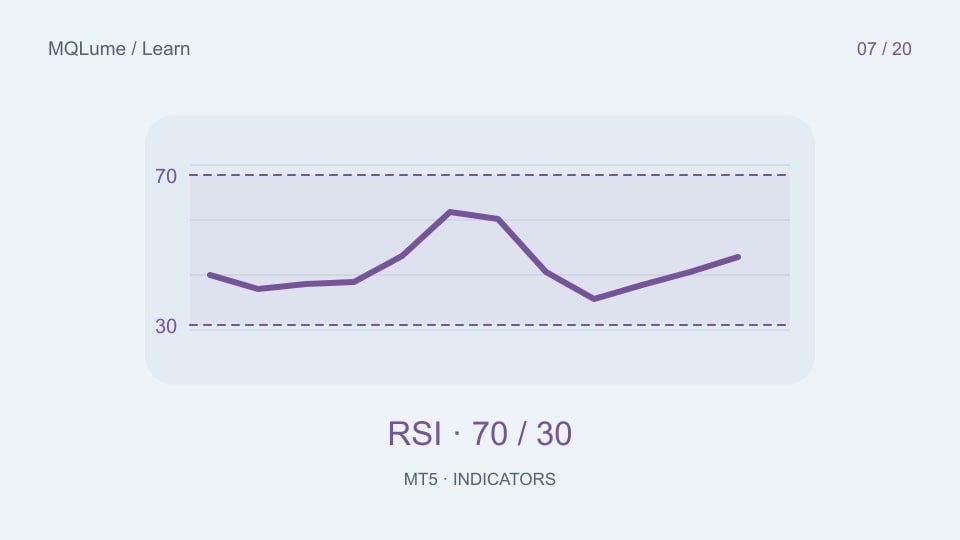
An alert should describe a new event, not repeat a persistent condition on every tick. “RSI is above 70” can remain true for many observations. “The latest eligible RSI crossed above 70” identifies a transition.
Choose whether the current unfinished candle is eligible. Intrabar alerts can be useful for observation, but they may describe a condition that disappears before close. Label that behaviour rather than presenting it as a confirmed signal.
Use a signal identity instead of a timer alone
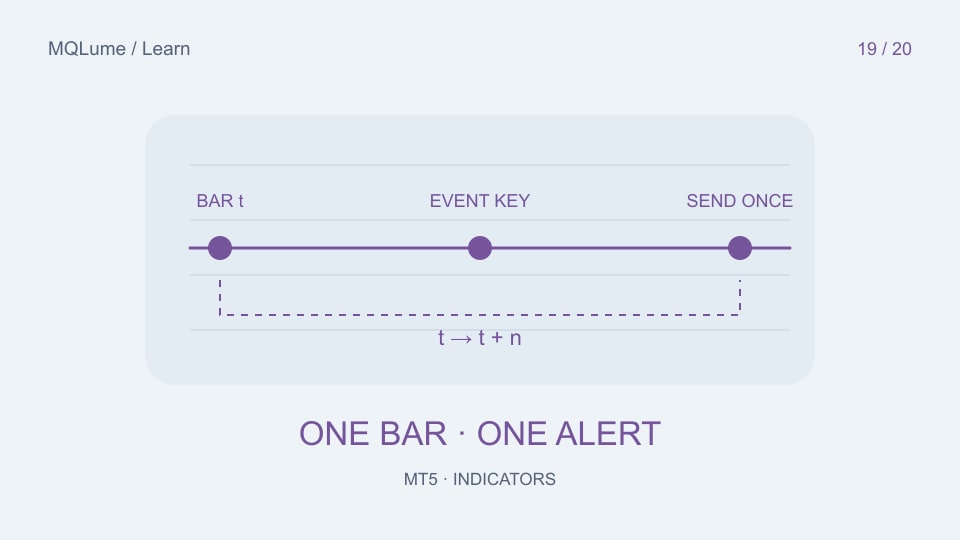
A useful identity combines symbol, timeframe, signal-bar timestamp, direction and rule version. Store the last emitted identity for that rule. A fixed delay between notifications can still repeat one event or suppress a genuinely different event.
For a closed-bar crossover, obtain the two required values successfully, evaluate the transition, and then compare the event identity with the last emitted one. Decide whether a failed notification attempt is retried and cap retries; do not generate an unlimited send loop.
Define startup behaviour
After a restart, an in-memory last-event value is empty. Decide whether to alert about the latest existing signal or initialize the baseline silently and wait for a new one. Both can be reasonable, but they create different user experiences.
If you persist state, namespace it by indicator instance and rule settings. Two charts must not suppress each other's events accidentally. A parameter change should not inherit an incompatible event identity without a documented policy.
Push delivery has its own constraints
Configure the terminal's notification destination deliberately and test it using a harmless message. SendNotification has documented rate limits and does not operate in the Strategy Tester. A tester can verify your event logic through logs, but that does not prove phone delivery.
Record event creation and send outcome separately. A true signal with a failed send is different from no signal. Avoid including account identifiers or sensitive trading details in a notification unless the user needs them.
Test duplicates and missing data
Use a synthetic sequence that crosses a threshold, stays beyond it for several updates, returns and crosses again. Expect one alert for each defined transition. Repeat after restart and with a failed buffer read between observations.
Document whether an observation gap invalidates the comparison. Comparing two values separated by missing data may detect a different event from comparing consecutive closed bars. The validation lab provides a ledger for preserving these distinctions.