Indicators
MT5 tick volume, real volume and OBV: what are you measuring?
Ask where the number comes from
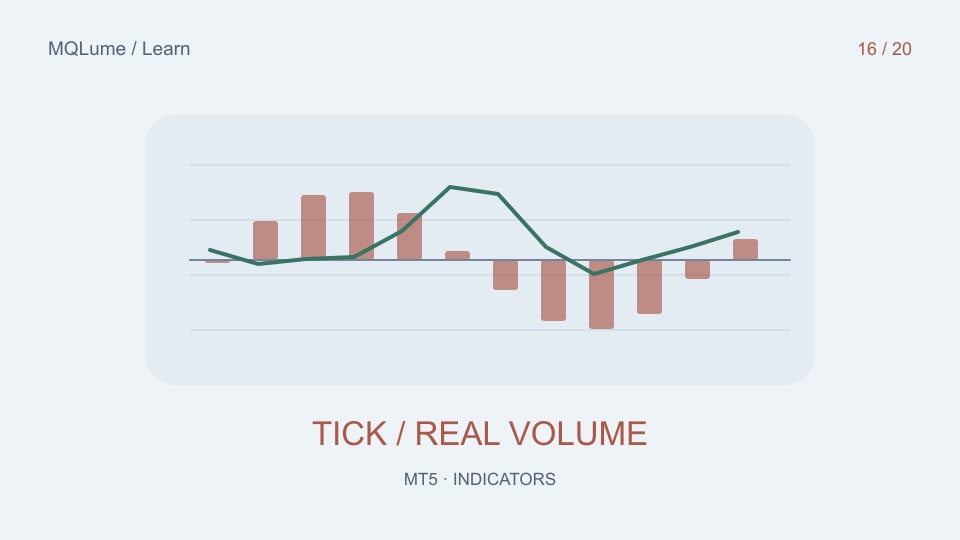
Tick volume counts quote activity in the supplied feed; trade volume represents executed volume when the instrument and data source provide it. They are different measurements. On many retail forex feeds, the available volume series is tick volume rather than a consolidated record of all currency trading.
Inspect the symbol and platform data before choosing an interpretation. A field labelled “volume” is not enough to establish its economic meaning or coverage.
OBV accumulates signed volume
On Balance Volume adds volume when the close rises, subtracts it when the close falls, and leaves the total unchanged when the close is equal under the chosen rule. Its absolute starting level is arbitrary; the changes depend on the input volume and close sequence.
For a synthetic example starting at zero, an up-close bar with volume 100 moves OBV to 100. A down-close bar with volume 70 moves it to 30. An unchanged close leaves it at 30. If those inputs are tick counts, the result remains an accumulation of tick activity, not traded lots.
Do not compare raw totals across unrelated feeds
Two brokers can aggregate or deliver quotes differently. Their tick counts may differ even when price charts look similar. Exchange volume can also refer to a particular venue or contract rather than a universal total.
Use the same symbol, feed, session and timeframe for a controlled comparison. A change of provider should be treated as a change of input data, not automatically as a change in market participation.
Zero and unavailable are not always equivalent
If real volume is unavailable, replacing it silently with tick volume changes the indicator's meaning. If you choose a fallback, display which source is active and record the transition. A series containing zeros because data is missing should not be interpreted as evidence that nobody traded.
For custom code, make the volume mode an explicit input and include it in logs and exported results. Reject or mark observations that cannot satisfy the selected data contract.
Trace one calculation end to end
Select several closed bars and record close direction, selected volume and OBV change. Recalculate the signed additions by hand. Then compare the same interval on another feed and first inspect the underlying inputs.
The VWAP guide shows why the volume source matters for weighted averages too. Volume-derived indicators can add context, but they do not reveal the identity or intention of individual traders.