Indicators
Use AI to write an MQL5 indicator: a practical code-review checklist
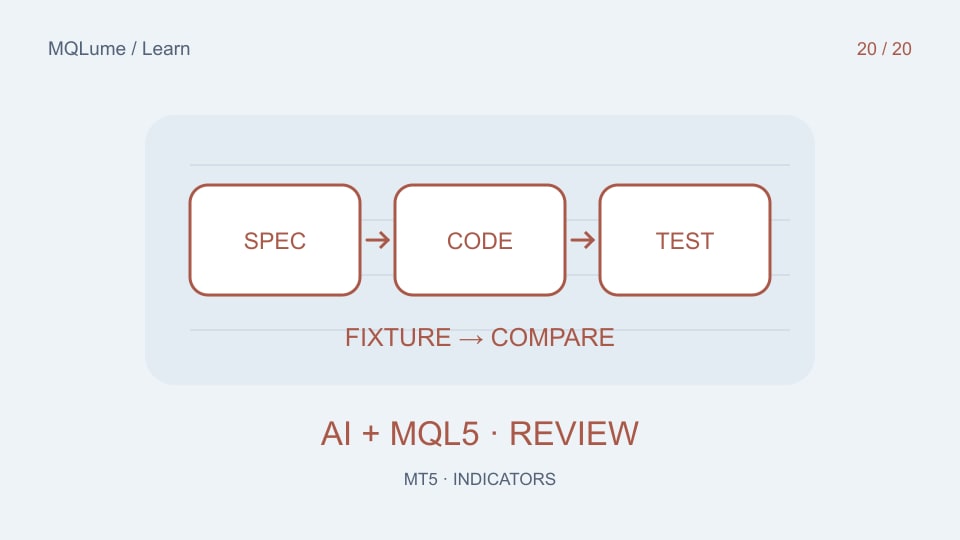
Ask for a defined indicator, not a winning system
A useful prompt specifies inputs, formula, buffer meanings, indexing direction, warm-up, empty values and signal timing. “Build the best non-repainting indicator” leaves the crucial definitions to the model and encourages unverifiable claims.
Start with an original, small calculation you can check by hand. Do not upload paid source code or private customer files merely to obtain a generic example.
Give the model an acceptance contract
A concrete brief might read: “Create an MT5 custom indicator that plots the close's position in the last N bars' high–low range. Use one documented data buffer, oldest-first indexing, EMPTY_VALUE before a full window and 50 for a flat window. Recalculate the current bar and rebuild after history resets. Do not place trades or use external services.”
Add the synthetic input arrays and expected outputs from the range-position tutorial. Ask the model to explain which bar each array index represents and why its incremental result matches a full pass.
Review the parts a compiler cannot judge
A compiler can catch syntax and type errors, but it does not prove the formula, timestamp alignment or business meaning. Inspect whether zero is wrongly used for missing data, whether the current bar is counted repeatedly, whether a pivot is used before confirmation, and whether a buffer reader checks the returned count.
Look for repeated handle creation, unbounded object growth and deletion of objects belonging to another chart tool. Check that the code's comments describe what it actually does; a comment saying “closed bar” does not make an index correct.
Use fixtures before market screenshots
Compile in your own MetaEditor and keep the compiler output. Then compare a full calculation with incremental updates on a small fixture. Include a flat window, too little history, a new bar, a changed current bar and a reset. Record observed results rather than calling the code tested because it looks plausible.
If you ask AI to fix a failure, provide the smallest reproducible input and expected result. Change one cause at a time. Re-run the earlier fixtures so a fix for one case does not silently break another.
Keep a reviewable version
Save the source, inputs, formula description and test record together. Label any uncompiled example as uncompiled; label a chart demonstration as a demonstration, not proof of profitable trading. Keep a known baseline before adding colours, alerts or multi-timeframe dependencies.
For editable chart tools, the source catalogue provides a separate learning route. Whatever code you study, a clear specification and reproducible evidence are more useful than a confident AI explanation.