Store / Learn
Learn
Understand more. Build with confidence. Explore detailed historical EA reviews, practical guides and step-by-step tutorials. From trading settings to MQL5 compilation, find clear, useful help for your next step.
Research and guidance, ready for you Historical tests with settings, results and context Installation, parameters and troubleshooting explained MQL5 development and compilation tutorials Detailed tests, clearly explained. Explore the method, settings and limitations behind the results. Historical performance does not guarantee future returns.
Guides you can put to use. Work through installation, parameter choices and common errors with practical steps.
From understanding to building. Learn how to read, compile and improve source code, then test your changes.
From source file to a repeatable test
The guide library 137 articles All articles 137 EA reviews 34 EA basics 13 Setup & fixes 21 Backtesting 13 Risk & costs 10 MQL5 development 20 AI coding 6 Indicators 20
EA reviews 4 min
Get Lizard free: the editable MQL5 source code and compiled MT5 EA are included. Download the package from the product page. Lizard [MQLume] 2.1 recorded a cumulative net return of +347,185.50% in this XAUUSD historical test, with 29.99% maximum relative equity drawdown. Starting capital was USD 5,000; the ending balance was USD 17,364,274.87.
EA reviews 4 min
Gold369 PR [MQLume] 5.31 recorded a cumulative net return of +253,008.77% in this XAUUSD historical test, with 29.80% maximum relative equity drawdown. Starting capital was USD 5,000; the ending balance was USD 12,655,438.58.
EA reviews 4 min
Cepheus [MQLume] 1.43 recorded a cumulative net return of +353,273.05% in this XAUUSD historical test, with 27.74% maximum relative equity drawdown. Starting capital was USD 5,000; the ending balance was USD 17,668,652.37.
EA reviews 4 min
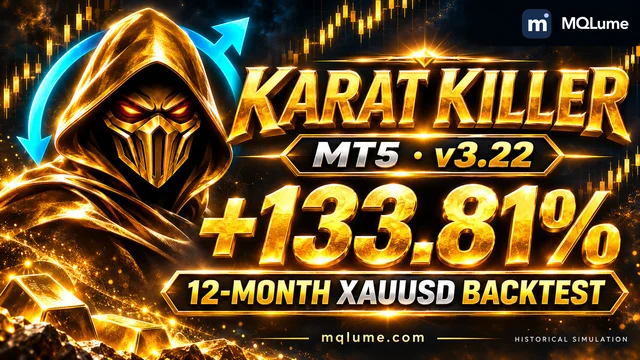
Return, drawdown, monthly results and selected settings for Karat Killer [MQLume] 3.22.
EA reviews 4 min
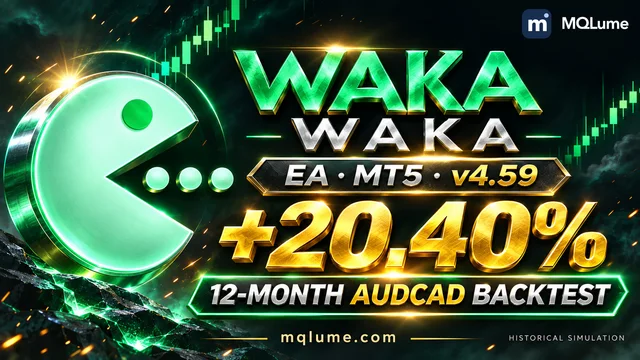
Return, drawdown, monthly results and selected settings for Waka Waka EA [MQLume] 4.59.
EA reviews 4 min
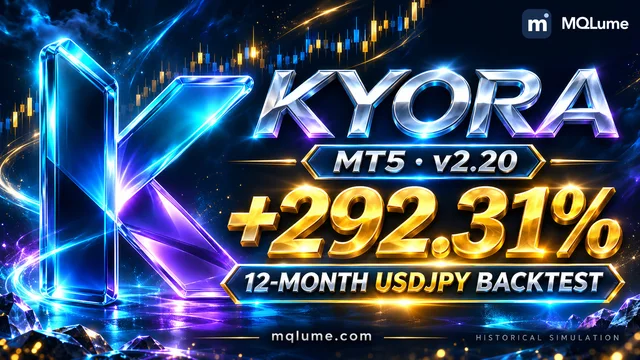
Return, drawdown, monthly results and selected settings for Kyora [MQLume] 2.20.
EA reviews 4 min
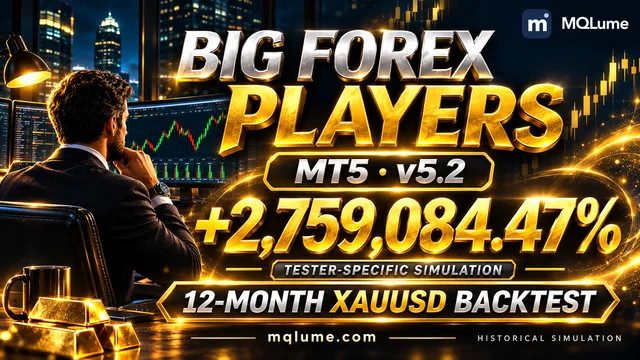
Return, drawdown, monthly results and selected settings for Big Forex Players [MQLume] 5.2.
EA reviews 4 min
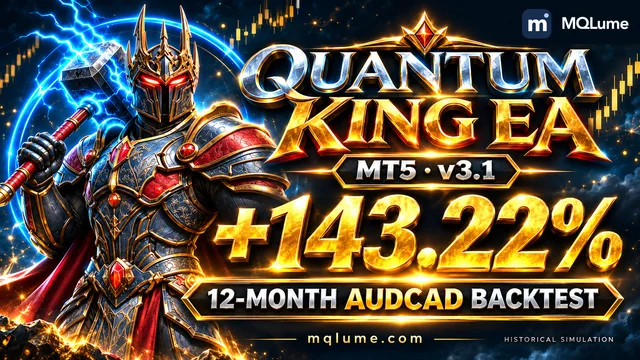
Return, drawdown, monthly results and selected settings for Quantum King EA [MQLume] 3.1.
EA reviews 4 min
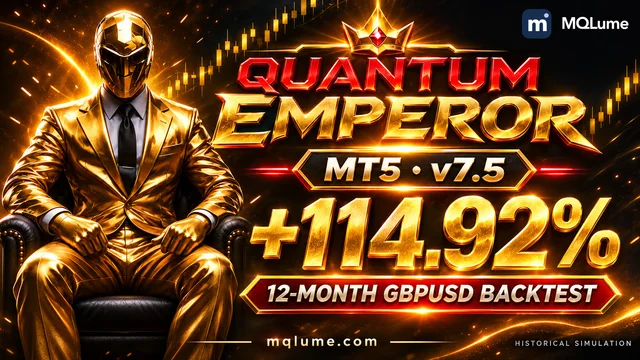
Return, drawdown, monthly results and selected settings for Quantum Emperor [MQLume] 7.5.
EA reviews 4 min
Return, drawdown, monthly results and selected settings for Gold House [MQLume] 3.0.
EA reviews 4 min
Return, drawdown, monthly results and selected settings for XIRO Robot [MQLume] 5.0.
EA reviews 4 min
Return, drawdown, monthly results and selected settings for Atherion Zenith AI EA [MQLume] 1.6.
EA reviews 4 min
Return, drawdown, monthly results and selected settings for Institutional SMC Robot [MQLume] 3.20.
EA reviews 4 min
Return, drawdown, monthly results and selected settings for Gold Trade Pro [MQLume] 7.2.
EA reviews 4 min
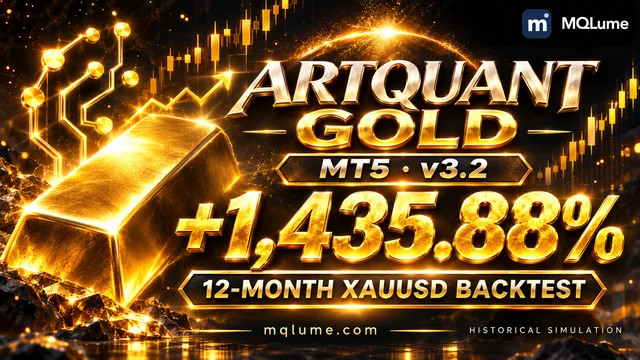
Return, drawdown, monthly results and selected settings for ArtQuant Gold [MQLume] 3.2.
EA reviews 4 min
Return, drawdown, monthly results and selected settings for Scraper Gold [MQLume] 3.7.
EA reviews 4 min
Return, drawdown, monthly results and selected settings for The Gold Phantom [MQLume] 2.5.
EA reviews 3 min
XAUUSD · Balance-based sizing, configurable signals and position management. Explore a +2,775.95% historical simulation return, 29.12% maximum equity drawdown and the settings behind the result.
EA reviews 3 min
XAUUSD · Four systems, individual risk controls and trailing exits. Explore a +1,045.37% historical simulation return, 28.80% maximum equity drawdown and the settings behind the result.
EA reviews 3 min
XAUUSD · Four trading cores with independent sizing and exits. Explore a +60,837.91% historical simulation return, 29.89% maximum equity drawdown and the settings behind the result.
EA reviews 3 min
XAUUSD · Six trading cores, flexible sizing and independent exits. Explore a +3,138.83% historical simulation return, 29.28% maximum equity drawdown and the settings behind the result.
EA reviews 3 min
Build on a gold strategy with automatic sizing, trailing exits and configurable execution controls. Explore a +483.25% historical simulation return, 23.12% maximum equity drawdown and the settings behind the result.
EA reviews 3 min
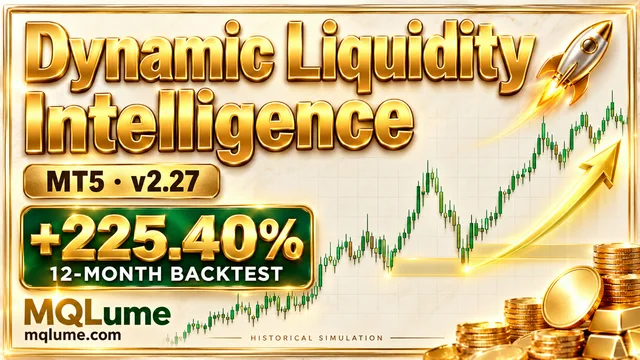
Explore gold market structure, pending-stop entries and flexible position sizing in one editable project. Explore a +225.40% historical simulation return, 22.39% maximum equity drawdown and the settings behind the result.
EA reviews 4 min
Explore two Bitcoin systems, a +803,370.74% historical simulation return and 29.47% maximum equity drawdown. See the full settings, monthly results and EA/source editions.
EA reviews 3 min
Get the complete Quantum iGold source FREE. Explore progressive sizing, a +220,368.93% historical tester return and the documented test conditions.
EA reviews 4 min
Claim the complete MoonDog EA source free at MQLume, then explore its +36,922.04% historical return, MoonLock protection and five-strategy setup.
EA reviews 4 min
Fourteen cores. Your US30 strategy. Explore a +2,210.93% historical net return, 29.10% maximum equity drawdown and the automatic-sizing settings behind this US30 test.
EA reviews 4 min
Build on a complete gold strategy. Explore a +339,106.85% historical net return, 28.56% maximum equity drawdown and the automatic-sizing settings behind this XAUUSD test.
EA reviews 4 min
Build your own gold strategy. Explore a +1,931.02% historical net return, 28.58% maximum equity drawdown and the automatic-sizing settings behind this XAUUSD test.
EA reviews 4 min
Claim the complete Smart Gold Hunter EA source free at MQLume, then explore its +242.15% historical return, Positive RR profile and configurable session controls.
EA reviews 5 min
Historical backtest: +93,697.83% . Explore Titan’s two-core approach and automatic lot sizing on gold.
EA reviews 5 min
Historical backtest: +1,897.22% . Discover My AI Gold’s gold-trading setup and how automatic sizing shaped the results.
EA reviews 5 min
Historical backtest: +103.18% . Follow the breakout entries, position sizing and trade-by-trade results.
EA reviews 5 min
Historical backtest: +396.90% . Take a closer look at Gold Reaper’s gold scalping and automatic lot sizing.
Show more Indicators 7 min
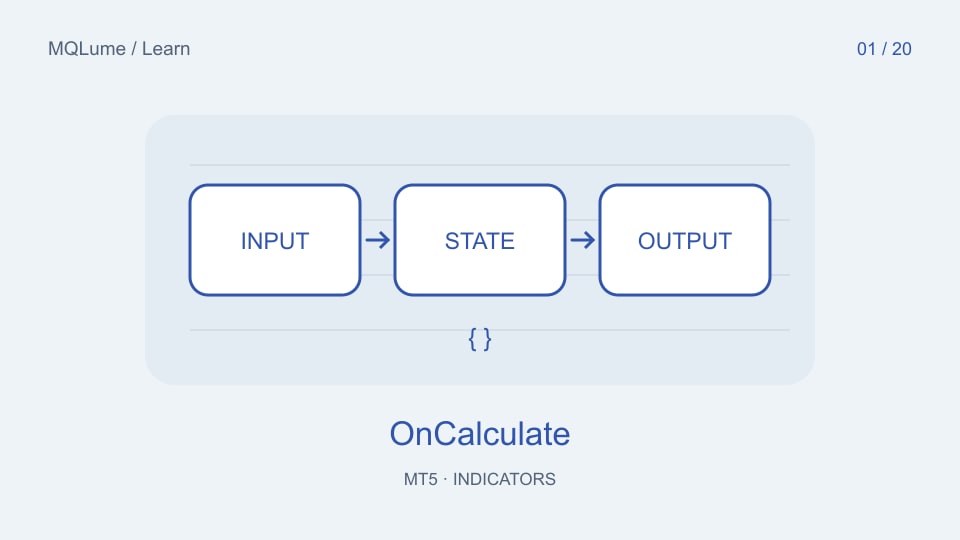
Build a small chart indicator, define its data contract and verify startup, live updates and history resets with reproducible fixtures.
Indicators 7 min
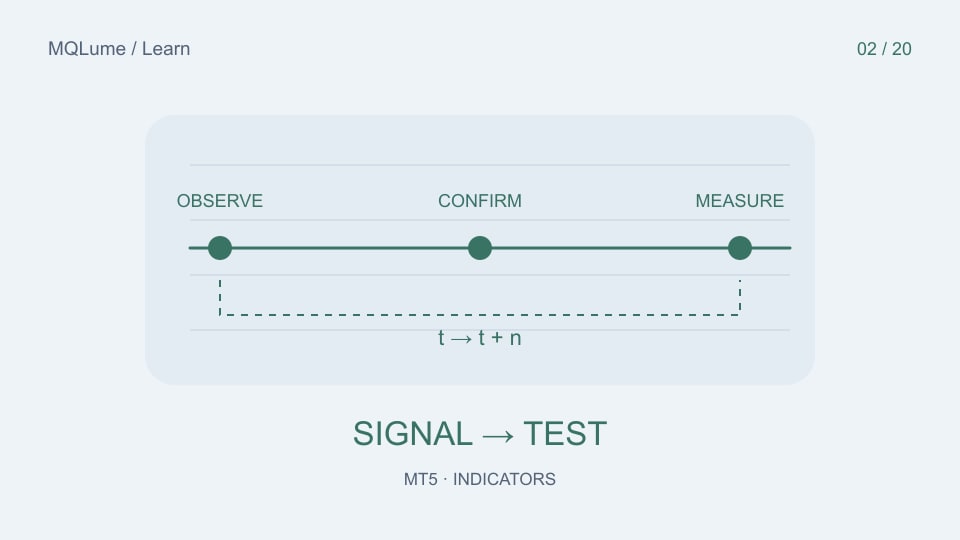
Separate visual inspection, signal timing and trading performance with a reproducible indicator-validation protocol.
Indicators 6 min
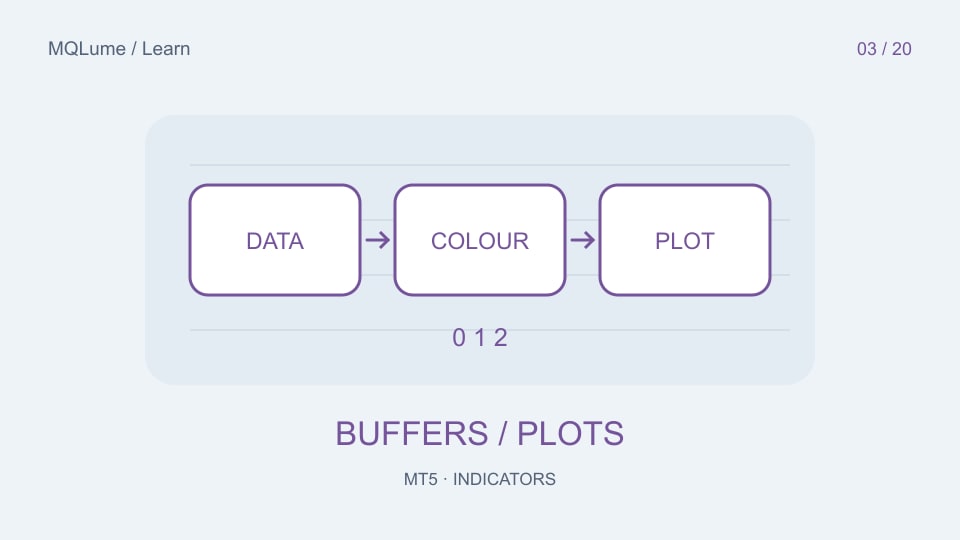
Design an indicator whose chart, Data Window and programmatic values tell the same story, including missing data and delayed signals.
Indicators 6 min
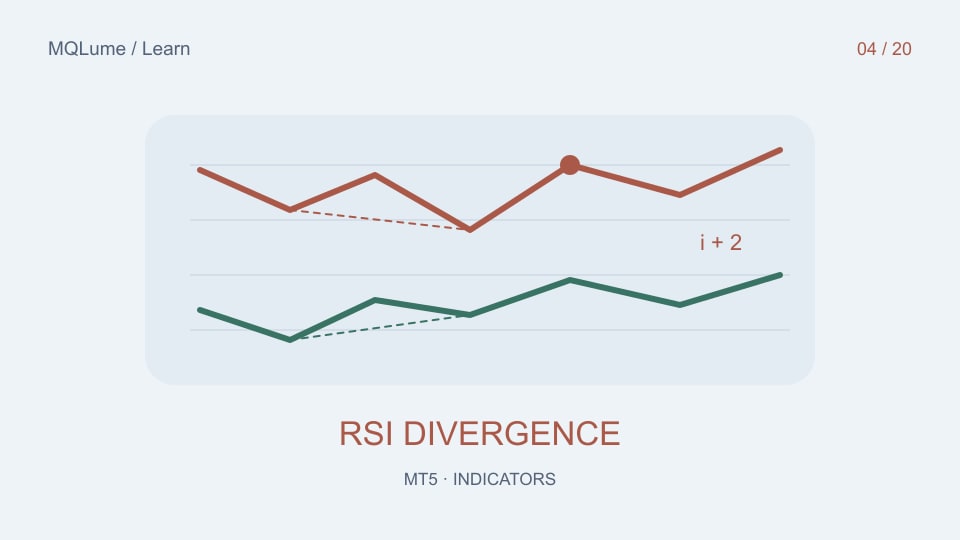
Define divergence as a reproducible event, preserve confirmation delays and test the cases that attractive historical arrows can hide.
Indicators 6 min
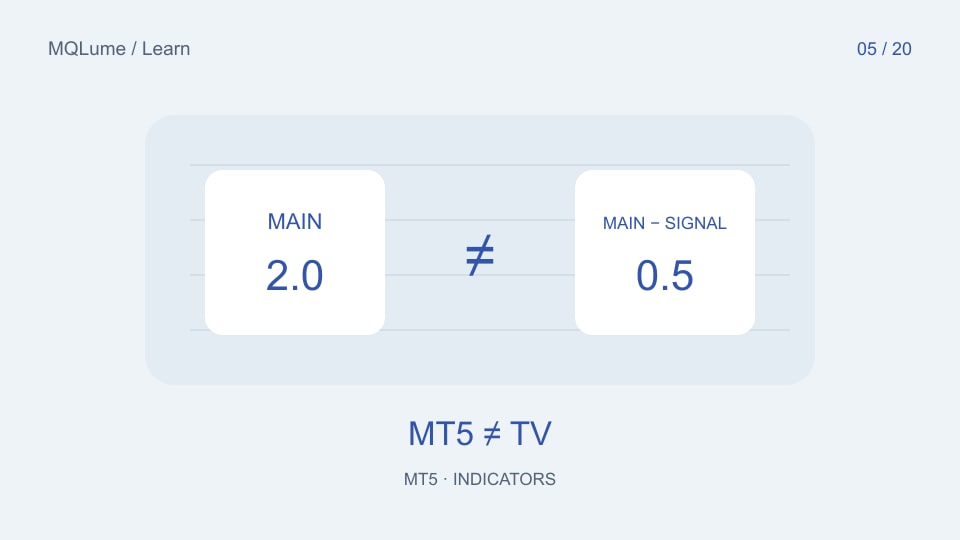
Compare data, sessions, formulas, smoothing and bar alignment before blaming an indicator or copying a strategy across platforms.
Indicators 3 min
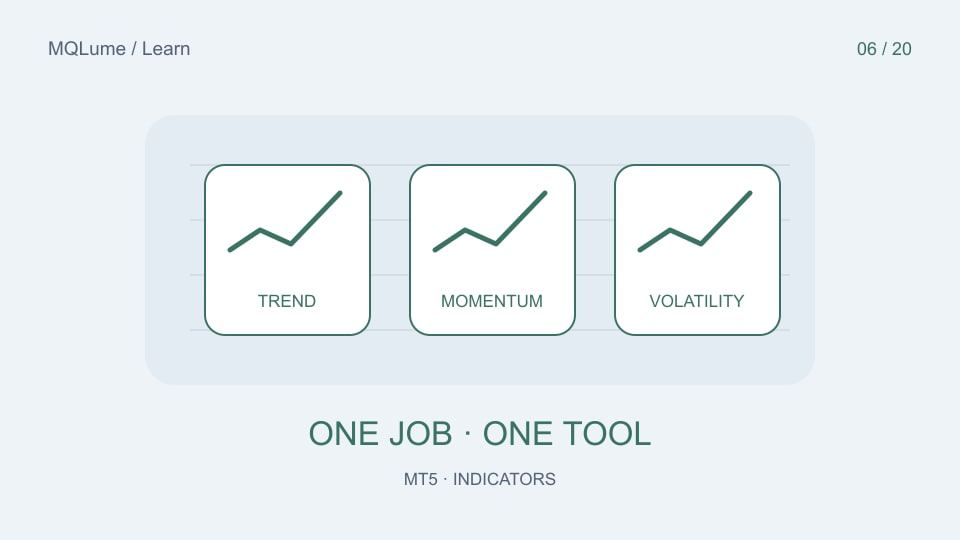
Choose indicators for trend, momentum, volatility and participation without treating correlated signals as independent confirmation.
Indicators 3 min
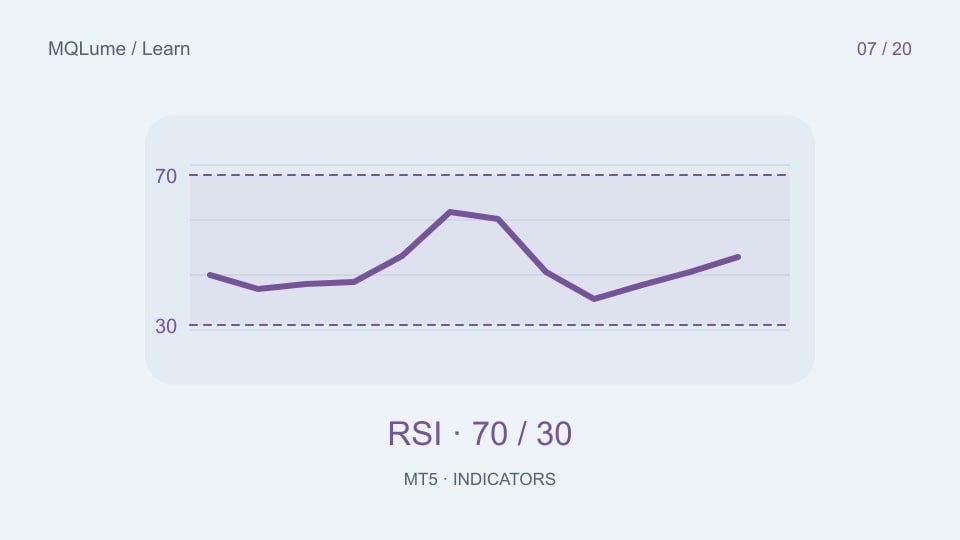
Read RSI as momentum, distinguish a level from a crossing event and avoid interpreting overbought as an automatic sell signal.
Indicators 3 min
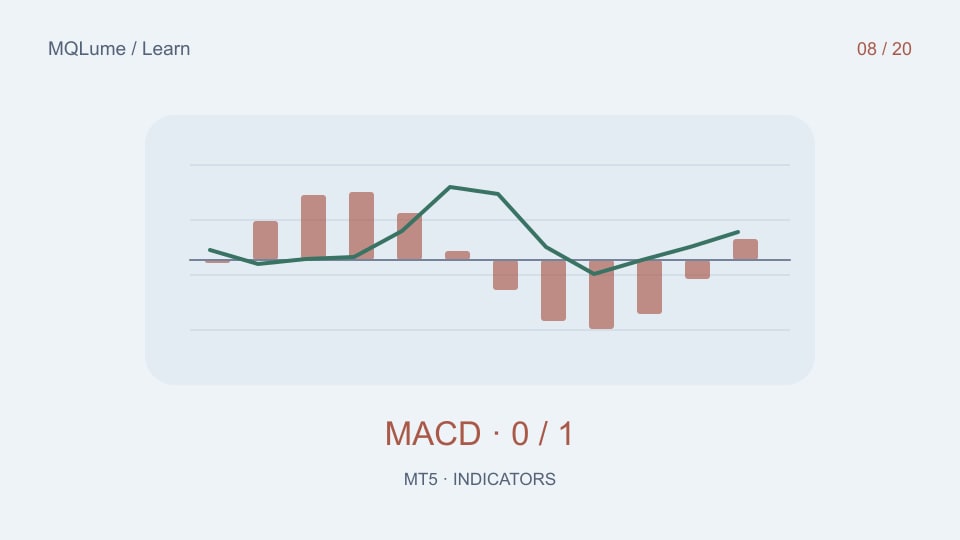
Distinguish the MACD main value, signal line and their difference before comparing charts or writing a crossover rule.
Indicators 3 min
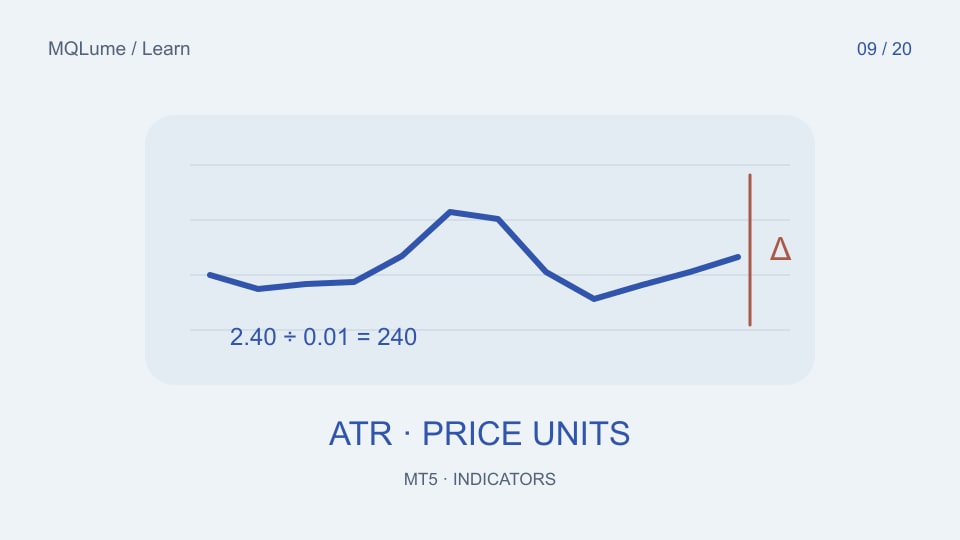
Convert ATR into meaningful price or tick units, account for gaps and avoid treating volatility as direction.
Indicators 3 min
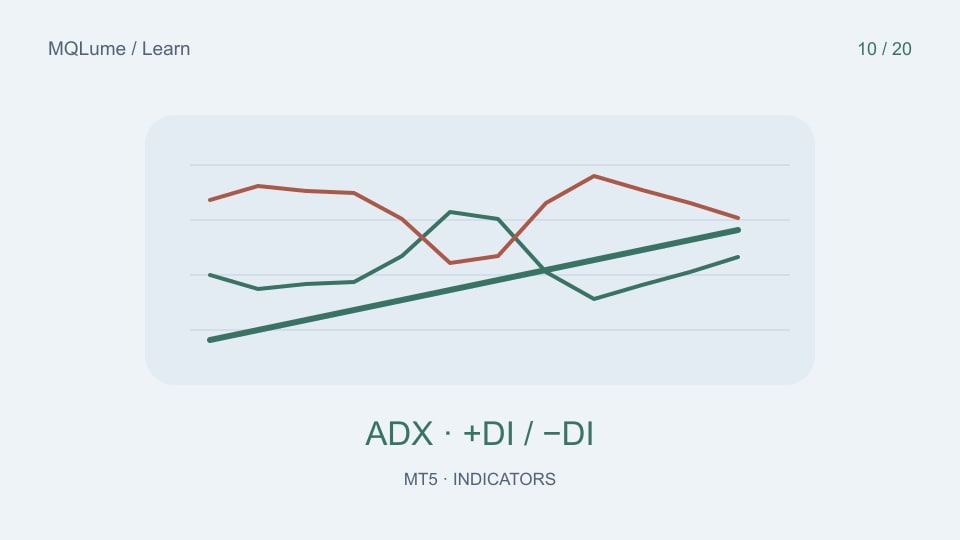
Read the ADX line alongside +DI and −DI, distinguish state from crossover and check the Wilder variant before comparing values.
Indicators 3 min
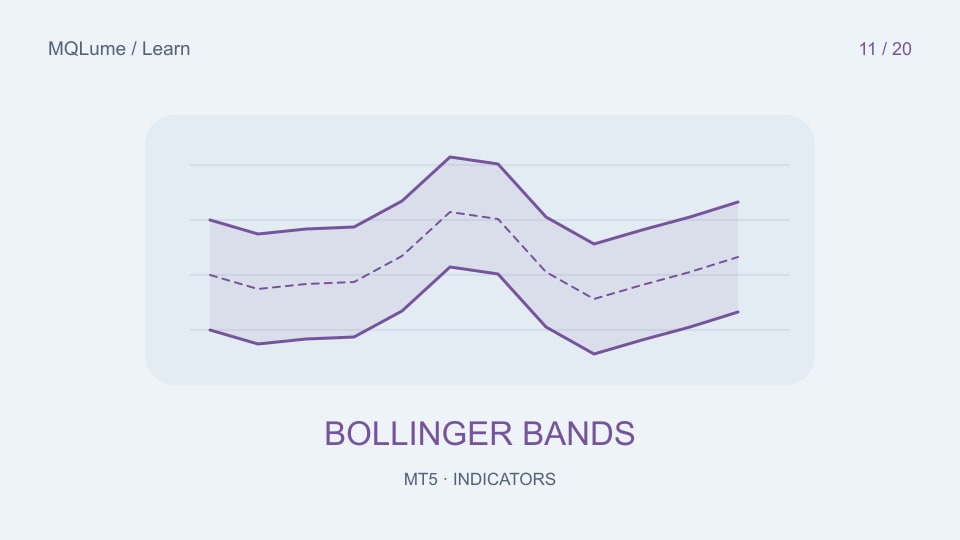
Measure band width consistently and distinguish a volatility contraction from a directional breakout forecast.
Indicators 3 min
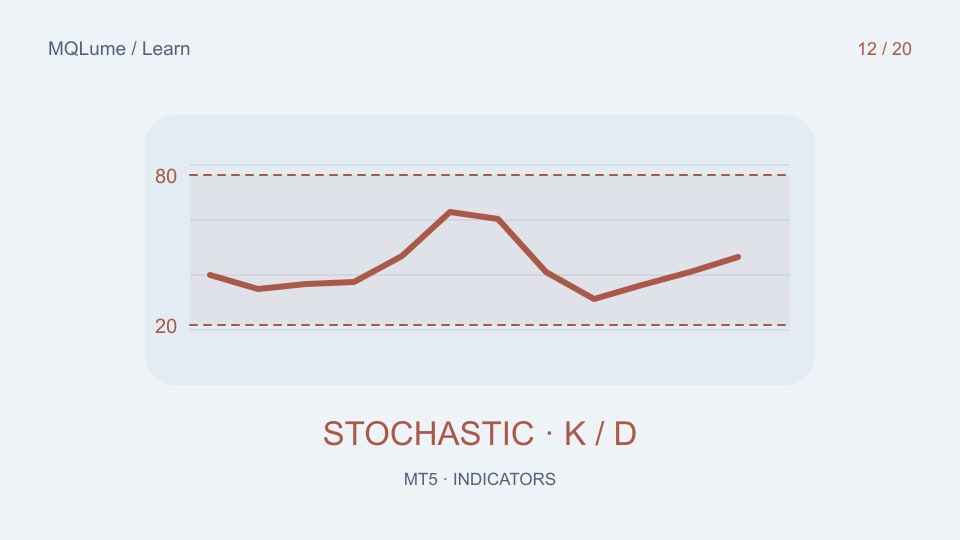
Understand the three period controls, identify what a threshold crossing means and avoid confusing Stochastic with RSI.
Indicators 3 min
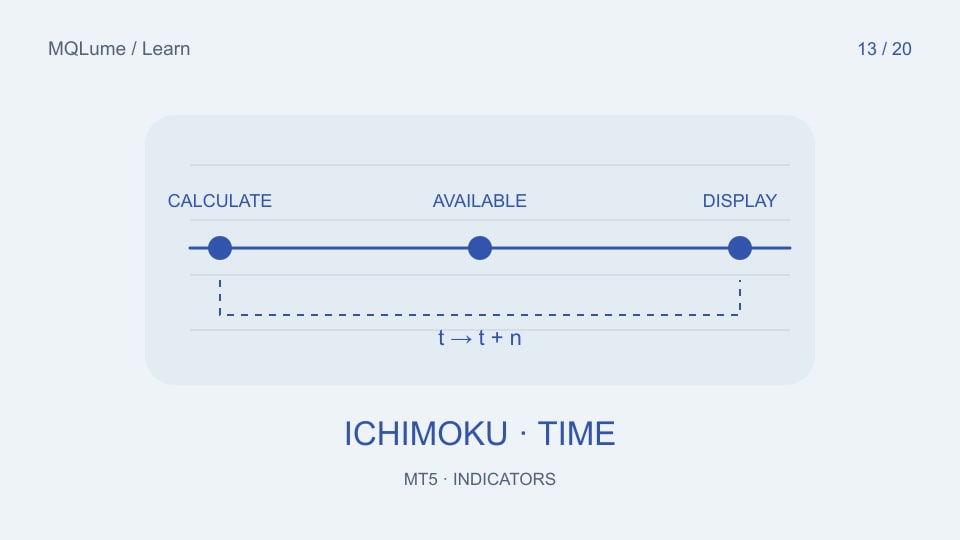
Separate when Ichimoku values are calculated from where they are plotted, including the cloud and lagging span.
Indicators 3 min
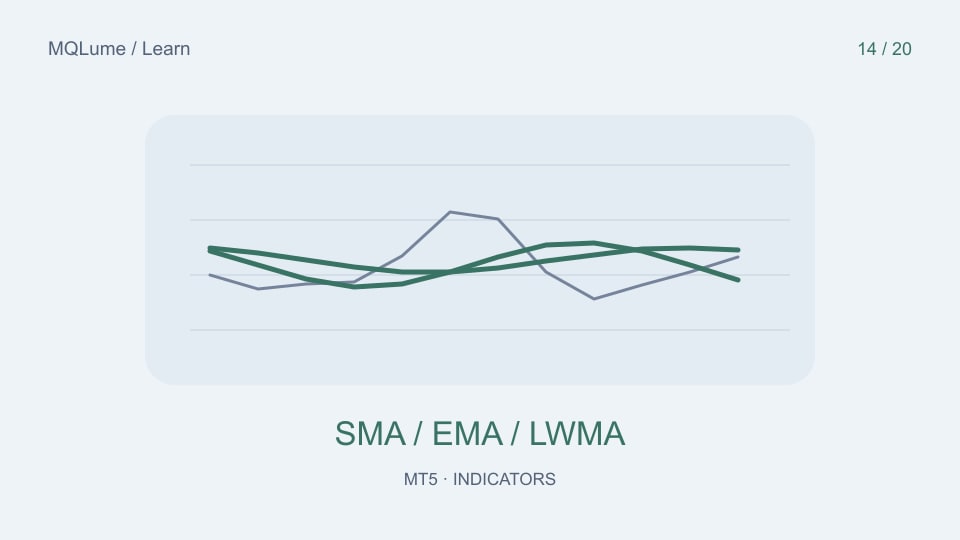
Compare moving-average methods and inputs with a small numerical example instead of choosing settings by appearance.
Indicators 3 min
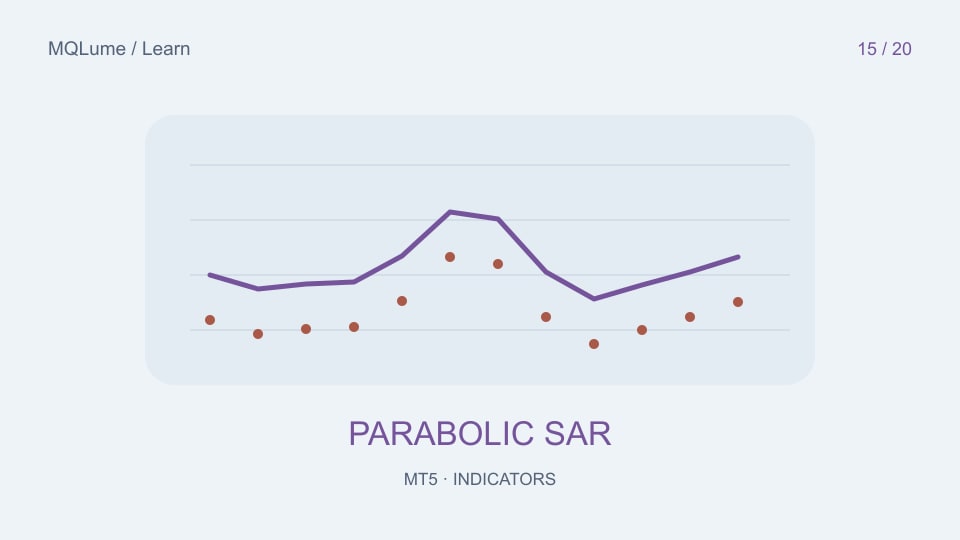
Understand SAR’s step and maximum controls, reversals and the extra work required to turn a plot into an executable stop rule.
Indicators 3 min
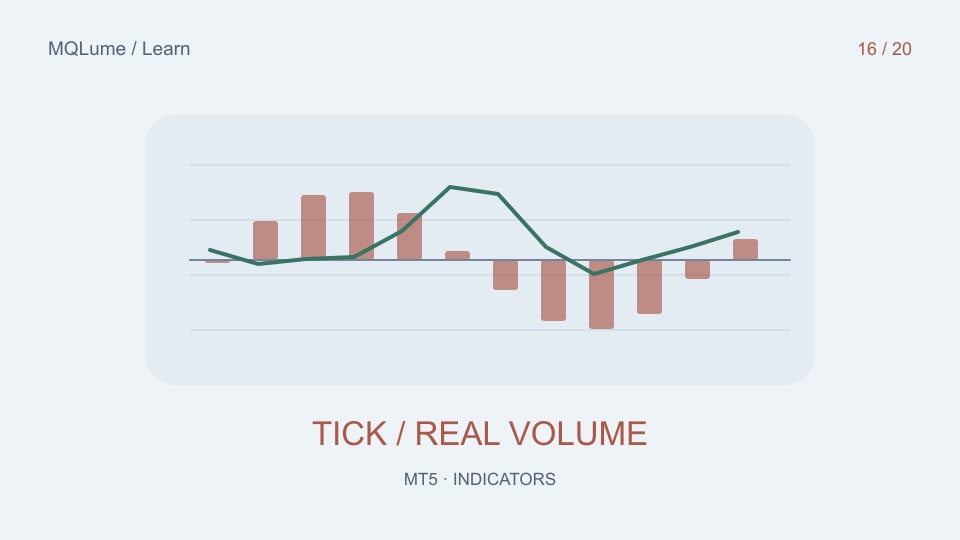
Identify the volume source behind a chart and avoid presenting broker tick activity as global traded volume.
Indicators 3 min
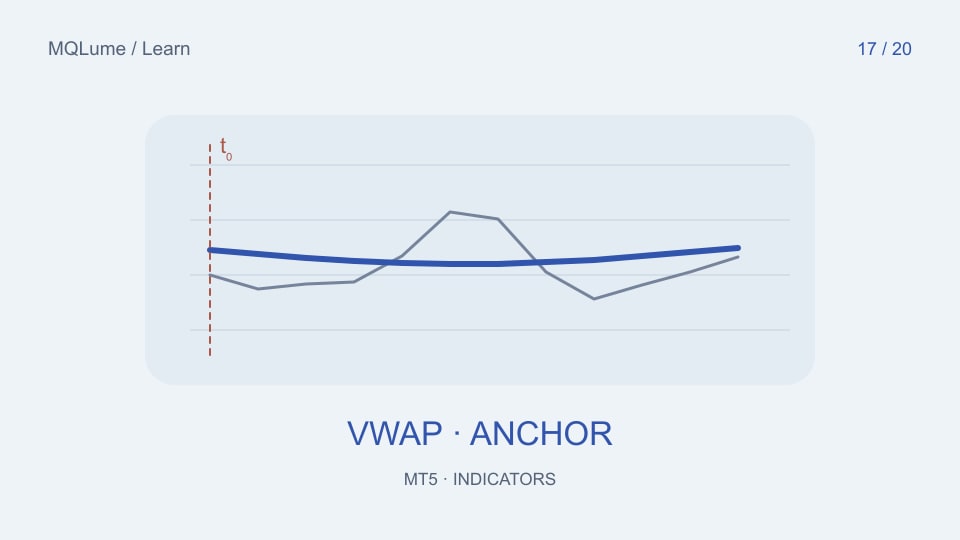
Specify the price, weight and session boundary before installing or writing a VWAP indicator.
Indicators 3 min
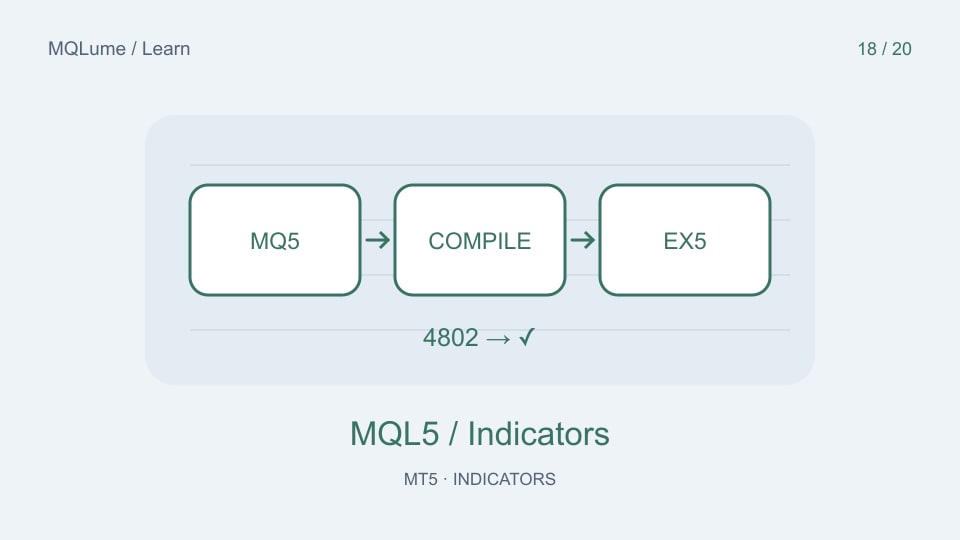
Check the active data folder, file type, initialization and display settings before treating a missing plot as a broken indicator.
Indicators 3 min
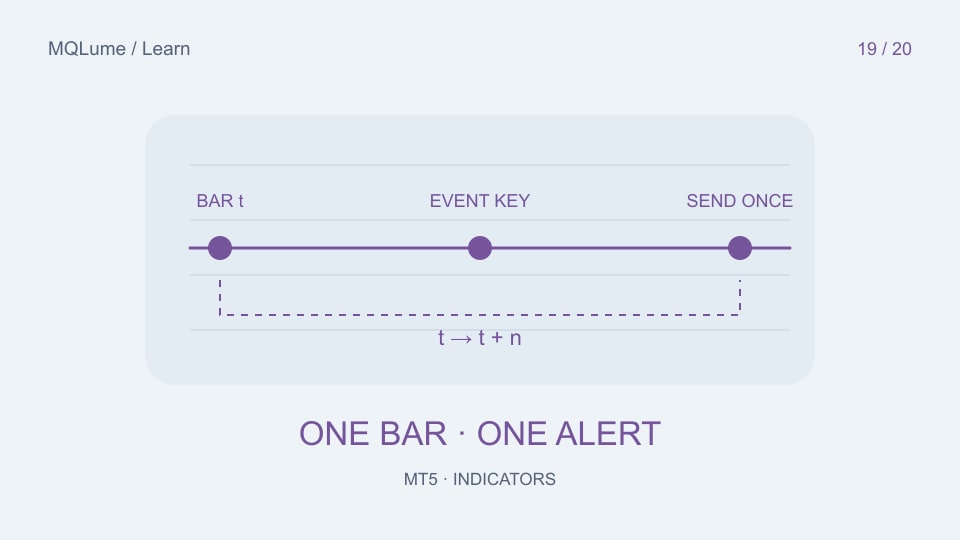
Define a signal identity, closed-bar policy and restart behaviour before adding desktop or push alerts.
Indicators 3 min
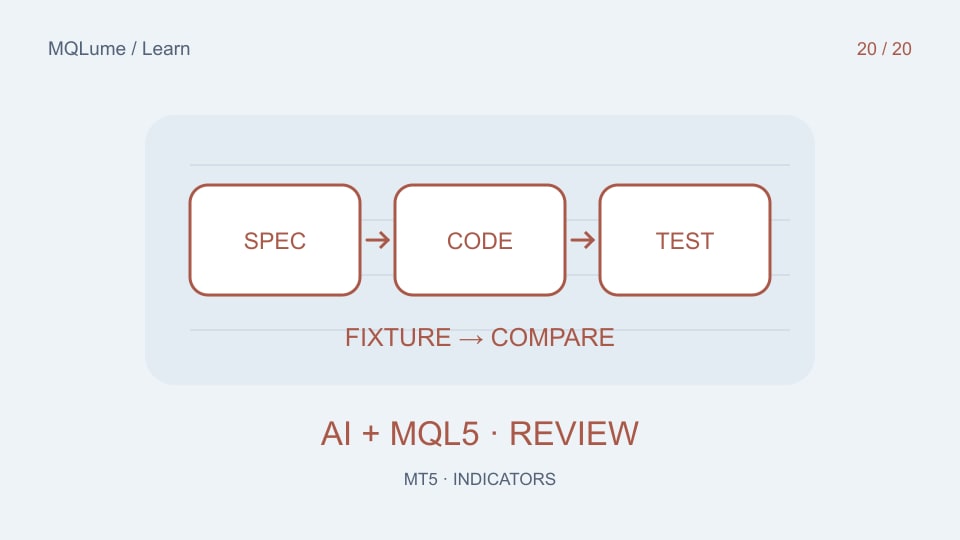
Give AI a calculation contract, numerical fixtures and timing rules, then review the result beyond a successful compile.
Setup & fixes 5 min
Turn brief input labels into clear rules: check units, switches and dependencies, then change and verify one setting at a time with a reusable worksheet.
EA basics 2 min
Choose how long an unfilled order remains valid and distinguish cancellation from a closed trade.
EA basics 2 min
Understand the trigger price, resulting limit order and why activation may not produce a fill.
MQL5 development 2 min
Plan the ticket, remaining lot size and completion state for a reliable scale-out rule.
EA basics 2 min
Understand paired closure, unequal volumes and the difference from opening an offsetting trade.
Risk & costs 2 min
Check long and short financing, calculation mode and the rollover multiplier for your instrument.
Risk & costs 2 min
Separate quote currency, account currency and trading costs when explaining a potential trade.
Risk & costs 2 min
Read the threshold mode and distinguish account-level liquidation from an EA stop loss.
Setup & fixes 2 min
Learn what a chart template saves and why a profile change can affect attached EAs.
Setup & fixes 2 min
Configure push delivery and separate important state changes from repeated tick messages.
MQL5 development 2 min
Understand persistence, naming collisions and how to reconcile saved state with current positions.
MQL5 development 2 min
Resolve file-loading confusion between the terminal, tester agents and the common files directory.
MQL5 development 2 min
Map signal timestamps to the correct higher-timeframe candle before combining indicators.
MQL5 development 2 min
Separate chart events from the freshness of prices used for other instruments.
MQL5 development 2 min
Connect requests, orders and deals without assuming one request creates one callback.
MQL5 development 2 min
Use purposeful tolerances and distinguish decimal formatting from valid trading increments.
Backtesting 2 min
Compare recorded live-time values with later chart history instead of relying on a finished screenshot.
Backtesting 2 min
Use labelled synthetic data to investigate one EA behaviour without confusing it with a broker backtest.
Backtesting 2 min
Understand why a withdrawal changes ending balance and can alter automatic position sizing.
AI coding 2 min
Keep a reviewable baseline, a focused change and a matching compiled build.
Backtesting 2 min
Separate data preparation from the interval whose results you report.
Setup & fixes 2 min
Claim MoonDog free, place the files in MT5, compile the editable source and discover the controls.
EA basics 2 min
Look beyond a performance chart. Discover how editable source and AI explanations help you understand and customise a trading strategy.
Backtesting 2 min
Understand what tester delay changes, choose a defensible baseline and compare entries instead of guessing from headline profit.
Risk & costs 2 min
Learn the difference between margin capacity and position size with a simple leverage example.
EA basics 2 min
Compare actual quotes, costs and execution conditions instead of choosing a broker from an account label alone.
Risk & costs 2 min
Use a round-trip cost worksheet to compare account types without relying on the smallest advertised spread.
Setup & fixes 2 min
Understand what a low-latency VPS can improve and why ping is not a complete measure of order execution.
Setup & fixes 2 min
Plan a single active execution environment and check migration before leaving an EA running.
Setup & fixes 2 min
Plan the roles of desktop hosting and mobile monitoring before installing your first Expert Advisor.
Setup & fixes 2 min
Distinguish a connection issue from an inactive market or a strategy waiting for a signal.
Setup & fixes 2 min
A symbol suffix can change which instrument your EA reads. Check names and contracts before changing settings.
Setup & fixes 2 min
Find the setting responsible for blocked automation without changing your EA strategy.
MQL5 development 2 min
Match the trade request to the symbol’s supported filling policy instead of hard-coding one broker’s setting.
MQL5 development 2 min
Build a clearer order workflow by separating preflight validation, request submission and execution confirmation.
MQL5 development 2 min
Use array length and copied-data counts to fix a runtime error at its source.
MQL5 development 2 min
Handle asynchronous history preparation and avoid treating missing candles as zero prices.
MQL5 development 2 min
Understand why a signal can change before a candle closes and define when your EA should act.
MQL5 development 2 min
Design a request lifecycle that distinguishes an open position, a pending request and a genuinely new signal.
MQL5 development 2 min
Keep calendar events and trading-session logic in the same time basis.
Setup & fixes 2 min
A focused checklist for an EA that cannot reach an HTTPS service.
AI coding 2 min
Give an AI coding assistant a small, precise problem and verify the resulting change in MetaEditor.
AI coding 2 min
Separate a model making predictions from an assistant helping you write and understand an EA.
AI coding 2 min
Understand the plumbing that connects a trained model to an Expert Advisor.
MQL5 development 2 min
Start with an observable improvement before attempting to redesign an entire trading strategy.
Setup & fixes 2 min
Preserve the old build and inputs, then verify which version is actually loaded.
Risk & costs 2 min
Understand how stop management changes an EA’s exits and why entry price is not always cash break-even.
Risk & costs 2 min
Understand why a smooth closed-trade balance can hide a much larger floating loss.
Backtesting 2 min
Compare data, symbol specifications and costs before assuming one test is wrong.
Backtesting 2 min
Check when data became available, especially when building multi-timeframe or AI-assisted strategies.
Backtesting 2 min
Explore sequence sensitivity without presenting simulated variations as new market evidence.
EA basics 2 min
Use MQLume’s free EA collection to explore real project files, parameters and the customisation workflow.
Setup & fixes 2 min
Collect a small reproduction, the relevant error and the right version so support can investigate efficiently.
Setup & fixes 2 min
Install an MT5 EA in the correct data folder, confirm the loaded version and prepare a clean first test.
Setup & fixes 2 min
Understand SET files, reset defaults and keep EA settings attached to the correct version and broker symbol.
MQL5 development 2 min
Use Magic Numbers, symbols and position tickets to keep several EA instances organised on one MT5 account.
EA basics 2 min
Understand account position modes and check whether an EA expects separate positions or one net position per symbol.
Setup & fixes 2 min
Prepare an EA for continuous operation, distinguish a Windows VPS from MQL5 hosting and verify the remote journal.
Setup & fixes 2 min
Keep EA session filters consistent across broker time, UTC offsets and daylight-saving changes.
EA basics 2 min
Distinguish quote precision from tradable price increments when configuring spreads, stops and EA calculations.
Setup & fixes 2 min
Check minimum lot size, volume step, maximum size and request details when an MT5 EA returns invalid volume.
Setup & fixes 2 min
Diagnose invalid stops by checking price direction, stop distance, broker increments and modification restrictions.
Backtesting 2 min
Inspect actual tick coverage, broker symbols and tester logs before interpreting an Every tick based on real ticks report.
Backtesting 2 min
Find repeated indicator work, excessive logging and unnecessary chart updates while preserving strategy behaviour.
MQL5 development 2 min
Create indicator handles, check readiness and read the intended bar without confusing a forming candle with a closed one.
MQL5 development 2 min
Place initialization, quote-driven logic and periodic display work in the right MQL5 event handlers.
EA basics 2 min
Understand the request, execution and exposure layers before reading EA logs or changing trade-management code.
MQL5 development 2 min
Plan an MT4-to-MT5 port around indicators, events and trading semantics rather than changing the file extension.
Risk & costs 2 min
Understand common auto-lot formulas, broker volume constraints and what to record when testing dynamic position sizes.
MQL5 development 2 min
Define spread units, entry behaviour and test cases before adding a custom filter to an editable forex robot.
AI coding 2 min
Use AI to understand and customise MQL5 source through a focused brief, a small diff, compilation and repeatable tests.
AI coding 2 min
Use a practical prompt brief to request focused MQL5 changes, preserve strategy rules and define acceptance tests.
EA basics 2 min
Explore MQLume’s editable MT5 EA projects, personal-use freedom and a practical path from source to AI-assisted customisation.
EA basics 4 min
Understand what an Expert Advisor does, how it differs from an indicator, and what to check before running a forex robot.
EA basics 3 min
Learn the difference between editable EA source, compiled programs, includes and SET files before choosing an MT4 or MT5 package.
Setup & fixes 3 min
Open your MQ5 file in MetaEditor and press F7. After a successful build, the EX5 appears beside the MQ5. Follow the steps below to find the right folder and resolve compilation errors.
Backtesting 3 min
Set up an MT5 baseline test, choose a tick mode, inspect individual events and save enough evidence to repeat the result.
Backtesting 3 min
Use worked examples to understand win rate, profit factor and drawdown, and ask better questions about an EA backtest.
Backtesting 3 min
Separate parameter selection from evaluation, preserve an untouched period, and distinguish historical forward tests from demo observation.
Risk & costs 3 min
Read a gold symbol’s contract specifications and understand how units, volume and account currency affect a position-size calculation.
Risk & costs 3 min
Compare trading costs with a worked example, avoid double counting and document execution assumptions in an EA test.
Setup & fixes 3 min
Distinguish missing signals, permission problems and rejected trade requests, then prepare a support report that can be reproduced.
EA basics 3 min
Check editable files, dependencies, release identity, testing evidence, licence terms and support before buying EA source code.
Show more No matching articles Try another keyword or clear your filters.
Clear filters About these guides MQLume publishes software education and forex-mechanics guides. Worked examples are illustrative, not results from our products. We sell source-code packages, so product links are commercial links to our own store.
Educational information only. This is not investment advice or a recommendation to trade. Forex and leveraged derivatives involve substantial risk. Backtest and demo-test software before considering live use; past results do not guarantee future performance.
Gold A focused improvement
For a specific change to an existing project.
Turn clearly defined trading rules into a tailored program.
Diamond Engineering with depth
For connected modules and more demanding requirements.
Titan Ultra A flagship collaboration
A dedicated, phased approach to an ambitious project.
Have something more specific in mind? Ask us about advanced custom development. Share your requirements through private support or email; we will discuss the scope and quote separately.
100% committed to following up on your delivery and support requests.
Free downloads. Real source files. FREE MQL5 / MT5 Version v6.0
FREE · Gold profiles and editable source
US$349.00FREE Add to cart
FREE MQL5 / MT5 Version v4.1
FREE · Gold strategy and editable source
US$125.00FREE Add to cart
FREE MQL5 / MT5 Version v4.24
XAUUSD · 9 modules and local ONNX
US$249.00FREE Add to cart
FREE MQL5 / MT5 Version v2.21
Free editable gold breakout project with six independently selectable cores, session filters and flexible position sizing.
US$149.00FREE Add to cart
FREE MQL5 / MT5 Version v3.7
Free editable source with compiled EX5: four gold breakout engines with independent profiles, sizing, direction and exits.
US$95.00FREE Add to cart
FREE MQL5 / MT5 Version v13.0
Trend-based entries with optional grid additions, side controls and virtual exits.
US$30.00FREE Add to cart
FREE MQL5 / MT5 Version v21.0
RSI entries with two ATR filters, configurable sessions and optional grid management.
US$30.00FREE Add to cart
Source code · MQ5 + EX5
MQL5 / MT5 Version v1.6
XAUUSD · Four systems, individual risk controls and trailing exits.
US$ 599.99Add to cart
Source code · MQ5 + EX5
MQL5 / MT5 Version v3.22
A multi-strategy gold portfolio with an optimized six-strategy mode, a custom mode, cross-asset filters and configurable risk controls.
US$ 1199.99Add to cart
86% OFF Indicator · EX5
MT5 / EX5 Version v1.1
Chart signals with adaptive or manual target levels and configurable alerts.
US$ 29.99Get the indicator
FREE Free EA · MQ5 + EX5
MQL5 / MT5 Version v3.7
Free editable source with compiled EX5: four gold breakout engines with independent profiles, sizing, direction and exits.
US$95.00FREE Add to cart
Ready-to-run EAs Indicators Explore source code Free downloads